Back To All Articles

More of your event, handled by Zuddl

Sessions that play on cue, surveys that follow attendees home, and four more updates that move manual event work into Zuddl.

Running an event takes hundreds of small manual actions, and this round of updates moves more of them into Zuddl. Simulive sessions now play on schedule on virtual and hybrid stages, surveys reach attendees by email after the event, and banners promote sessions and sponsors in the mobile app. Plus, set session capacity in your CSV upload, choose which mobile app features attendees see, and filter by Custom Audience Groups in the Onsite app.
September Product Pulse

Running an event involves hundreds of small yet manual actions: starting sessions on cue, getting attendee feedback, setting capacity across dozens of sessions, or pulling up the right people onsite. This month’s updates move more of that manual work into Zuddl.

Dive in.

Run Simulive sessions on virtual and hybrid Stages

Digital Events, Conferences

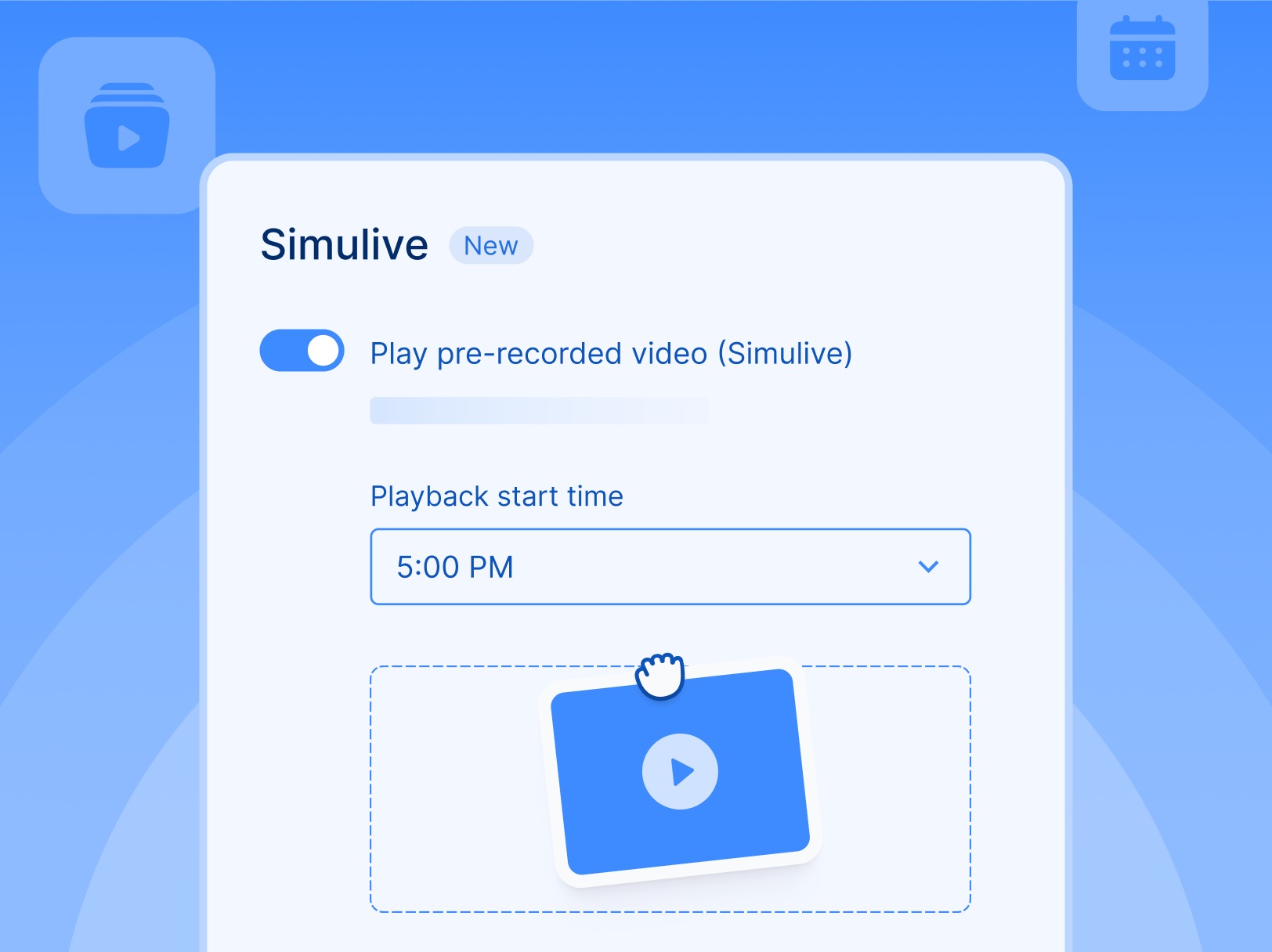
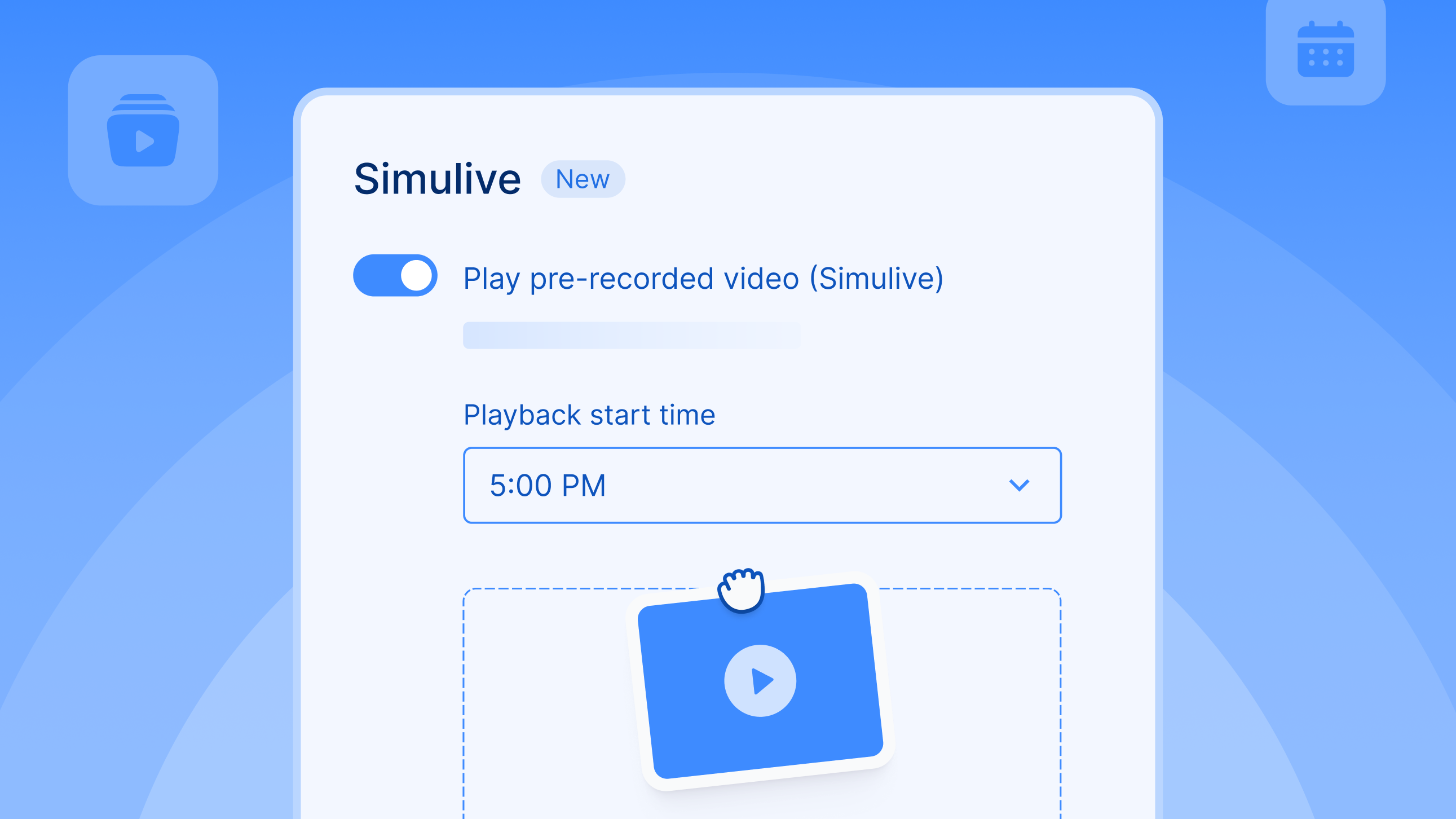
Just like webinars, you can now run Simulive sessions on virtual and hybrid stages. But a virtual or hybrid stage is rarely just one session or format; It's often a mix of live, pre-recorded sessions with breaks in between.


You can now upload your Simulive recording and schedule it to the minute, with chat, polls, Q&A, and surveys working just like they do in a live session. Sit back with a coffee and watch your sessions play on schedule.

Send surveys even after the event ends - natively via email

Digital Events, Conferences

A survey midway through the event is pushing it, a survey at the end of the event gets pushed over. It's no wonder that 58% of event surveys receive zero responses.


You can now add the survey to the “Thank you for coming” email in one click, or you can add it to a custom email. Since the survey is sent from Zuddl, the responses are tied to the attendee record on the platform, unlike surveys run on third-party tools. This feature is available across all event types - webinars/digital, in-person, and hybrid events.

Add measurable banners to your mobile app screens

Conferences

You can now promote sessions and sponsors, or navigate attendees or make announcements, with banners in your mobile app. Place the banners across the mobile app screens, schedule them down to the minute, and track the impressions, clicks, dismissals, and click-through rates.

Bulk upload session capacity along with the session details

Conferences, Field Events

When you bulk upload your sessions via CSV, you can now add a session capacity column. Just like your session name, about, and time fields get created in bulk, so does the session capacity limit. You don't have to go into each session to set it.

Show or hide features within the mobile app on your own

Conferences

You can now turn off mobile app features that aren't relevant to your event (profile info, QR networking, chat, etc.) by yourself, so they don't distract your attendees. Configure it once per event, and modify it within individual sessions if needed.

Filter by Custom Audience Groups in the Onsite app

Conferences, Field Events

Custom Audience Groups let you group people beyond their role, such as partners, VIPs, or staff. These audience groups now surface alongside the check-in and print-status filters. This means you can pull up VIPs who haven't checked in yet, or the partners whose badges haven't been printed, and more.

With every new update and enhancement, the platform lifts the load off your event and operations teams and starts carrying its own weight. That’s a wrap for this month.

Deliver your best event ever with Zuddl

Subscribe to our blog now!

Get fresh ideas, actionable insights and expert guidance for B2B events delivered directly to your inbox!

More of your event, handled by Zuddl

September Product Pulse

Running an event involves hundreds of small yet manual actions: starting sessions on cue, getting attendee feedback, setting capacity across dozens of sessions, or pulling up the right people onsite. This month’s updates move more of that manual work into Zuddl.

Dive in.

Run Simulive sessions on virtual and hybrid Stages

Digital Events, Conferences

Just like webinars, you can now run Simulive sessions on virtual and hybrid stages. But a virtual or hybrid stage is rarely just one session or format; It's often a mix of live, pre-recorded sessions with breaks in between.


You can now upload your Simulive recording and schedule it to the minute, with chat, polls, Q&A, and surveys working just like they do in a live session. Sit back with a coffee and watch your sessions play on schedule.

Send surveys even after the event ends - natively via email

Digital Events, Conferences

A survey midway through the event is pushing it, a survey at the end of the event gets pushed over. It's no wonder that 58% of event surveys receive zero responses.


You can now add the survey to the “Thank you for coming” email in one click, or you can add it to a custom email. Since the survey is sent from Zuddl, the responses are tied to the attendee record on the platform, unlike surveys run on third-party tools. This feature is available across all event types - webinars/digital, in-person, and hybrid events.

Add measurable banners to your mobile app screens

Conferences

You can now promote sessions and sponsors, or navigate attendees or make announcements, with banners in your mobile app. Place the banners across the mobile app screens, schedule them down to the minute, and track the impressions, clicks, dismissals, and click-through rates.

Bulk upload session capacity along with the session details

Conferences, Field Events

When you bulk upload your sessions via CSV, you can now add a session capacity column. Just like your session name, about, and time fields get created in bulk, so does the session capacity limit. You don't have to go into each session to set it.

Show or hide features within the mobile app on your own

Conferences

You can now turn off mobile app features that aren't relevant to your event (profile info, QR networking, chat, etc.) by yourself, so they don't distract your attendees. Configure it once per event, and modify it within individual sessions if needed.

Filter by Custom Audience Groups in the Onsite app

Conferences, Field Events

Custom Audience Groups let you group people beyond their role, such as partners, VIPs, or staff. These audience groups now surface alongside the check-in and print-status filters. This means you can pull up VIPs who haven't checked in yet, or the partners whose badges haven't been printed, and more.

With every new update and enhancement, the platform lifts the load off your event and operations teams and starts carrying its own weight. That’s a wrap for this month.

Subscribe to our blog now!

Get fresh ideas, actionable insights and expert guidance for B2B events delivered directly to your inbox!

Our curated hub of inspiration

Take control of your virtual event production with Zuddl.
Own every step from registrations to approvals with Zuddl.
Own your event app from branding to CRM sync with Zuddl.
Book a Demo
Book A Demo
Book A Demo
Steph’s tip for event marketers: 
Bring a simple cost-savings table like this: 
Line Item
2024 Cost
2025 Cost(after negotiation)
Cost Savings
Venue package
$200k
$170k
$30k
Lead capture tech
$18k
$12k
$6k
Then say, “This $36K savings covers the increase I’m asking for.”