
We've all had those afternoons when getting one event task done somehow involves opening five different tools.
Take a session that's filling up fast. You use the event platform to track registrations, spreadsheets to keep an eye on who's waiting, and email or Slack to coordinate updates when seats open up. Before you know it, a simple session waitlist turns into another task to manage.
This month’s updates reduce the surfaces you work from, be it building session waitlists or sending alerts to session registrants. Starting with the big one.
Create events from Claude and ChatGPT with Zuddl MCP
Unified
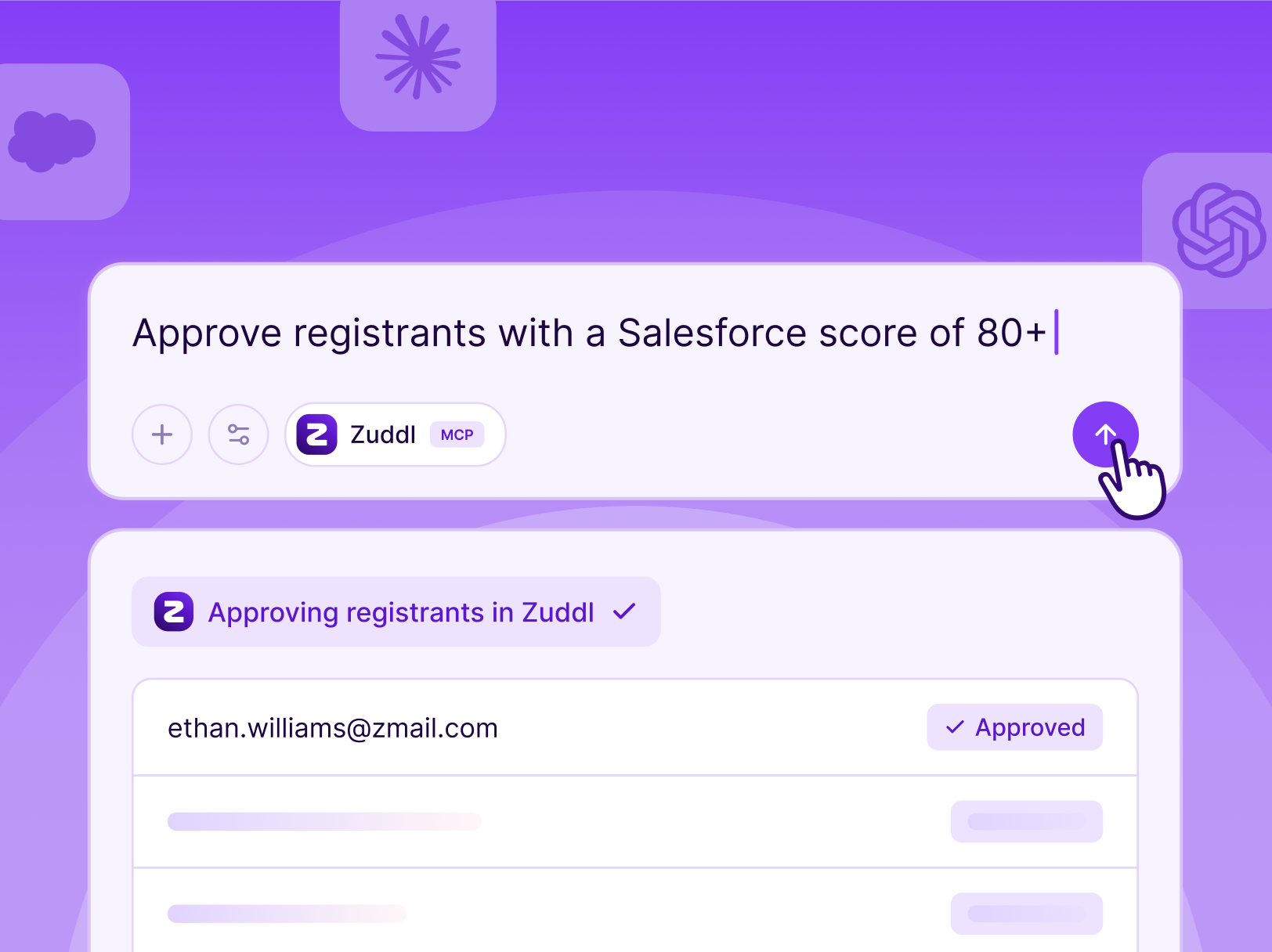
You can now connect Zuddl to Claude and ChatGPT, just like you’d connect Salesforce or Slack. Ask it to create an event, bulk approve registrants who belong to a certain organization or meet certain Salesforce criteria. You don’t have to log in to the event platform, and the access stays within what your role permits.
Open a waitlist for sessions that quickly fill up
Conferences
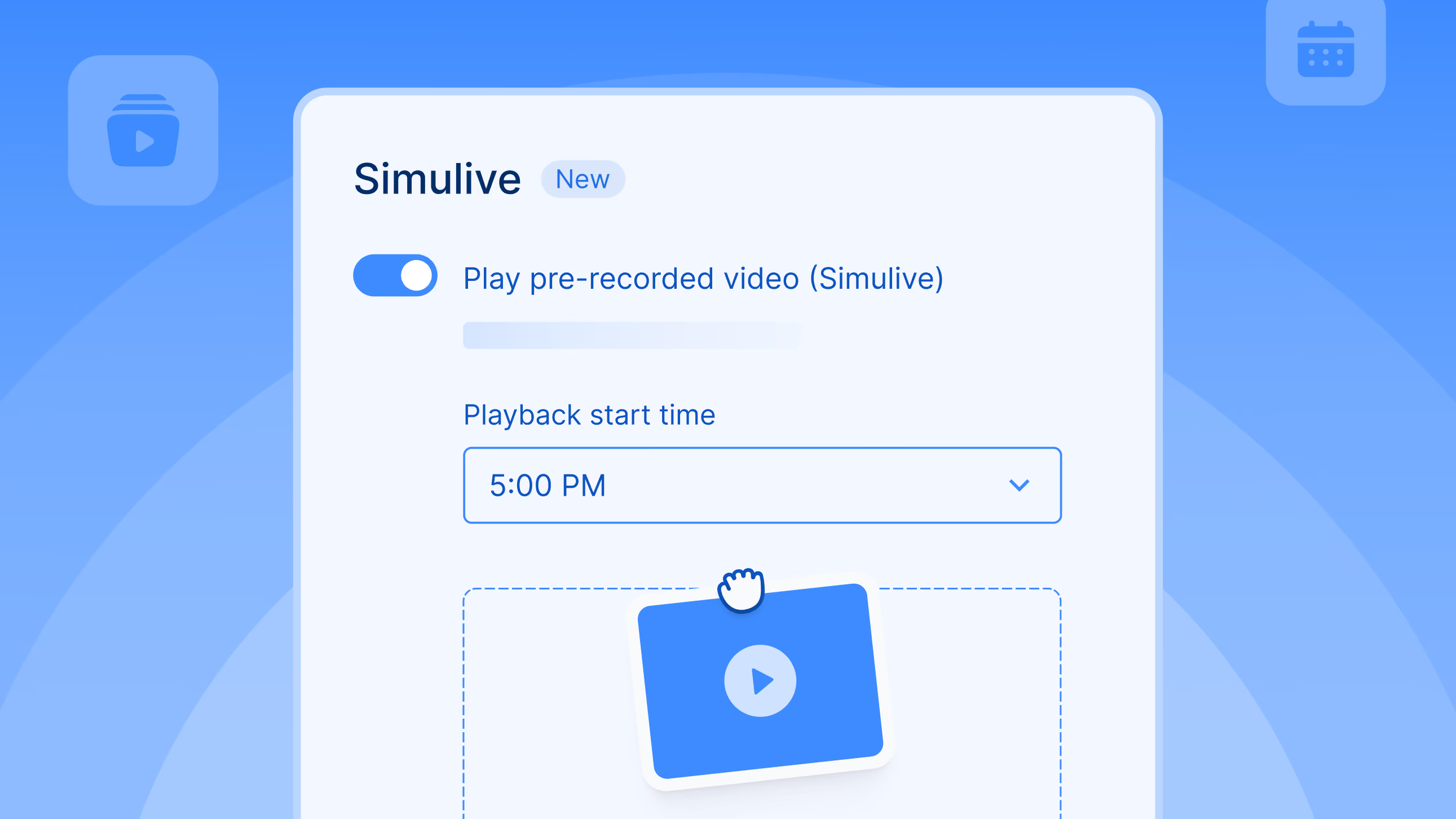
For any capacity-bound session, you can now open a waitlist. When registrants cancel, you can manually pick the waitlisted users and add them to the freed-up slots. This way, you avoid handling requests from people asking to join and truly understand the demand for a session beyond registrations.
Send updates to the people registered for a specific session
Conferences
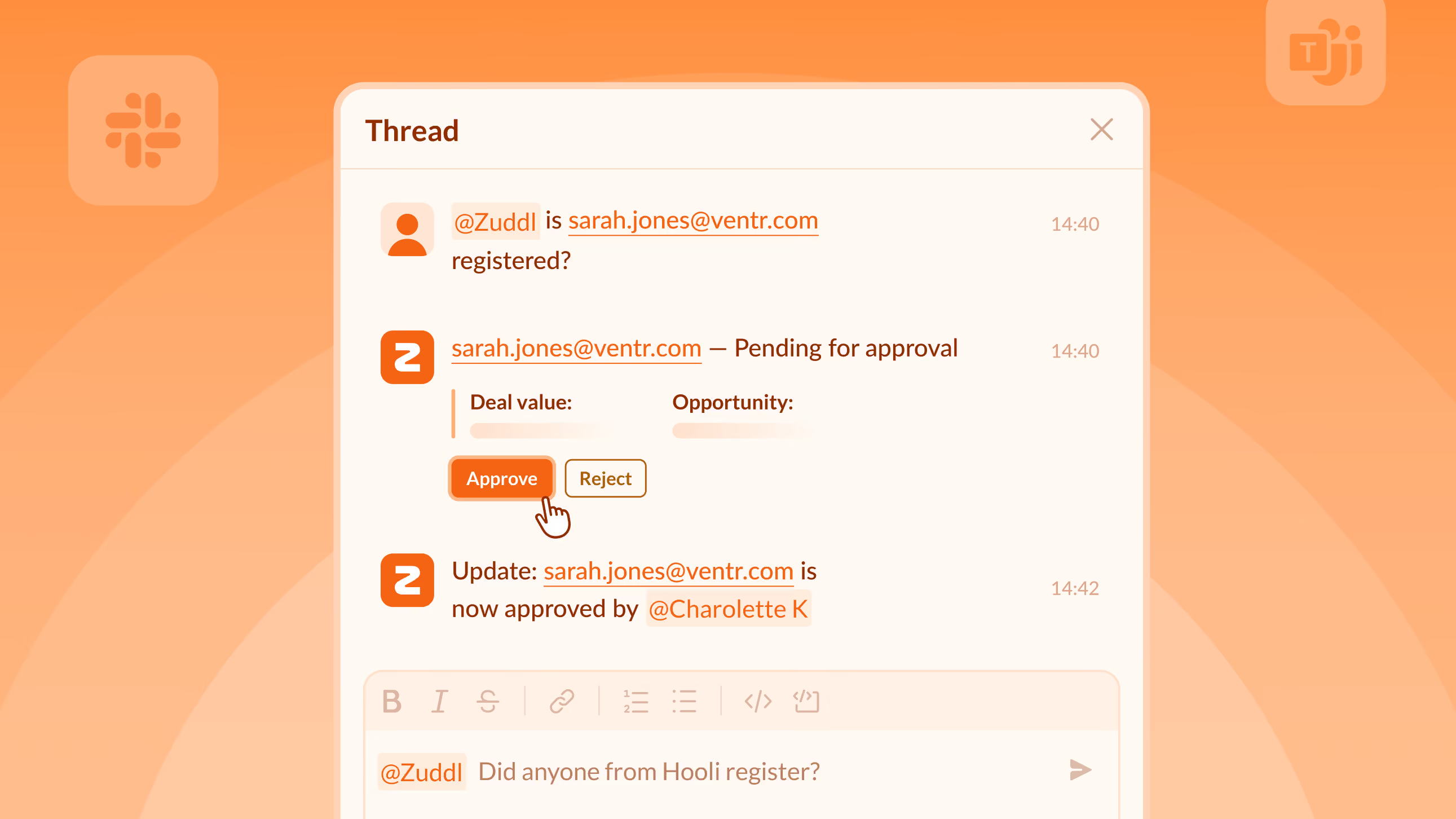
You can now send targeted emails or push notifications to the registrants of a specific session. If you are announcing a session room change or communicating a slight delay, you can now do that without exporting lists and building them as a custom group by hand.
Track session-level attendance in Marketo
Conferences
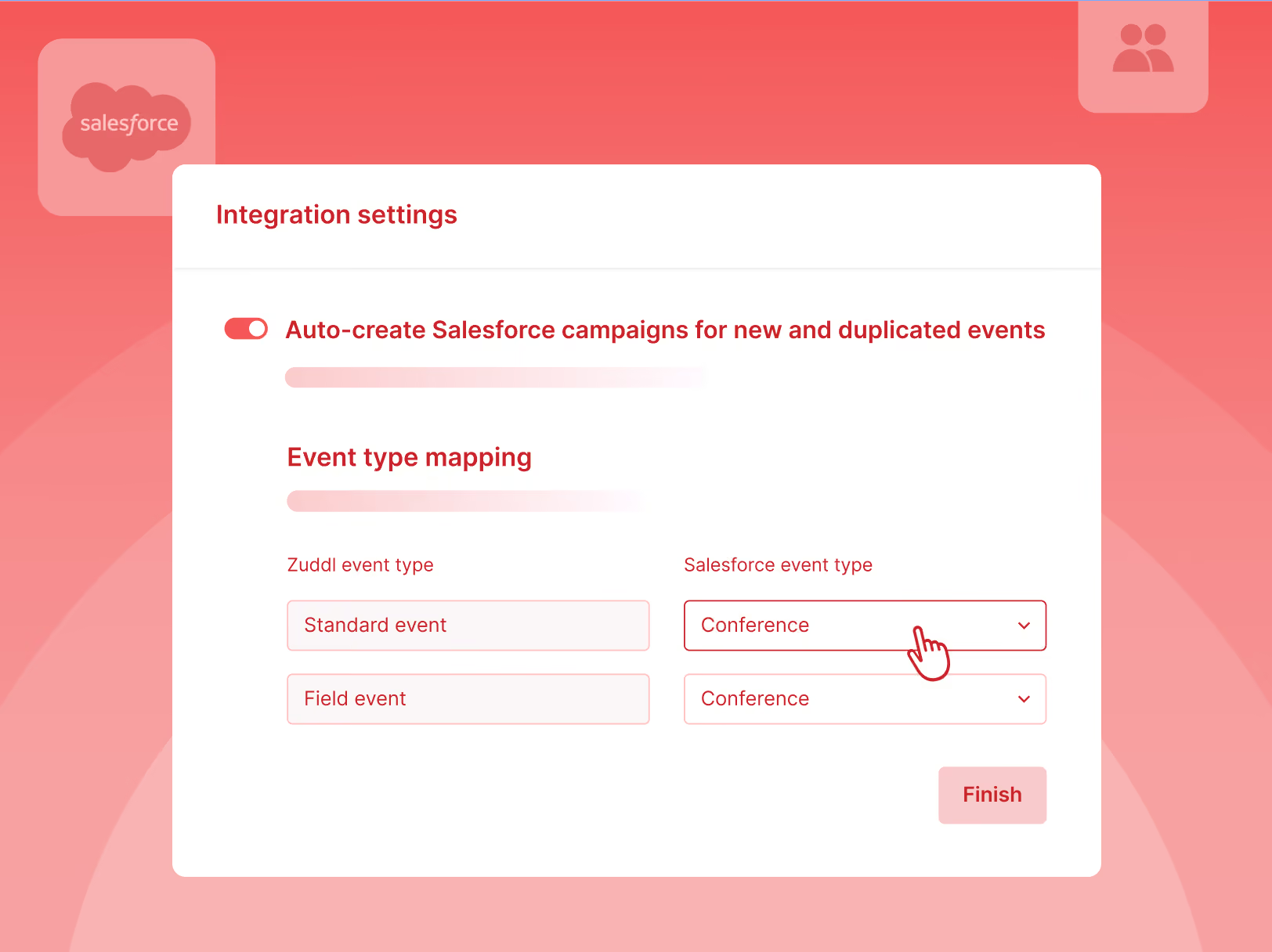
You can now track session-level attendance for keynotes or workshops as their own programs in Marketo. That means you can dig into segmented analytics instead of being stuck with broad event-level data.
Scan foreign-language attendee badges
Conferences, Sponsored Events
Your lead capture app now reads Japanese, Korean, Chinese along with English. All you have to do is pick the language and calibrate once to map the fields, and every scan after that captures the attendee’s details accurately.
Let ticket buyers cancel on their own
Conferences
Just like with non-ticketed registration, you can now let registrants cancel their free or paid tickets without reaching out to you. Switch on the self-serve toggle in the registration flow builder and you’re out of the cancellation and refund loop.
We’re making everyday work a little easier, with fewer tabs to jump between and fewer workarounds to figure out. That’s a wrap for the month.

Subscribe to our blog now!