Watch On Demand
Back To All Articles

August Product Pulse: Zuddl agent for Slack and Microsoft Teams

The Zuddl agent handles attendee lookups and registration approvals in Slack and Microsoft Teams. Plus badge calibration, presenter mode, bulk printing, and email tracking controls.
August Product Pulse

Zuddl agent for Slack and Microsoft Teams

Checking registration status means opening your event platform, finding the attendee, reading the record, and typing the answer back into Slack or Teams. That's a dozen interruptions per event, and every one of them pulls the event marketer off the work they were doing.

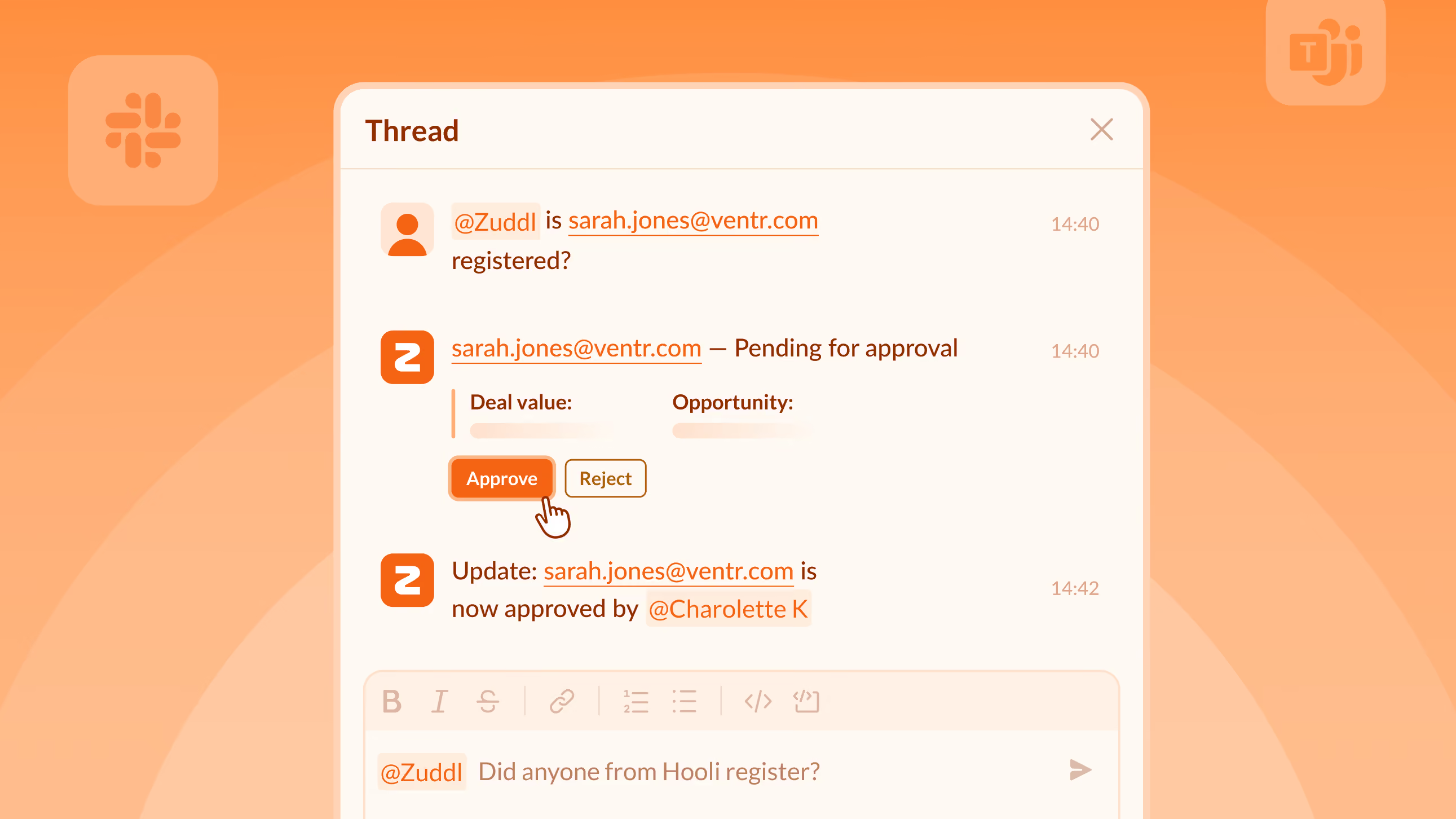
Tag @Zuddl in any event-linked Slack or Teams channel and ask by name, email, or company. The agent returns with a status update in under three seconds. Pending registrations show Approve and Reject buttons right in the thread and when a decision is taken, the status changes post back where the question was asked.

Soon you'll be able to spin up events and generate coupon codes directly from Slack/Teams.

Available for customer orgs on-request. Ping your CSM for more details.

Improvements

One-time badge calibration for clean lead data

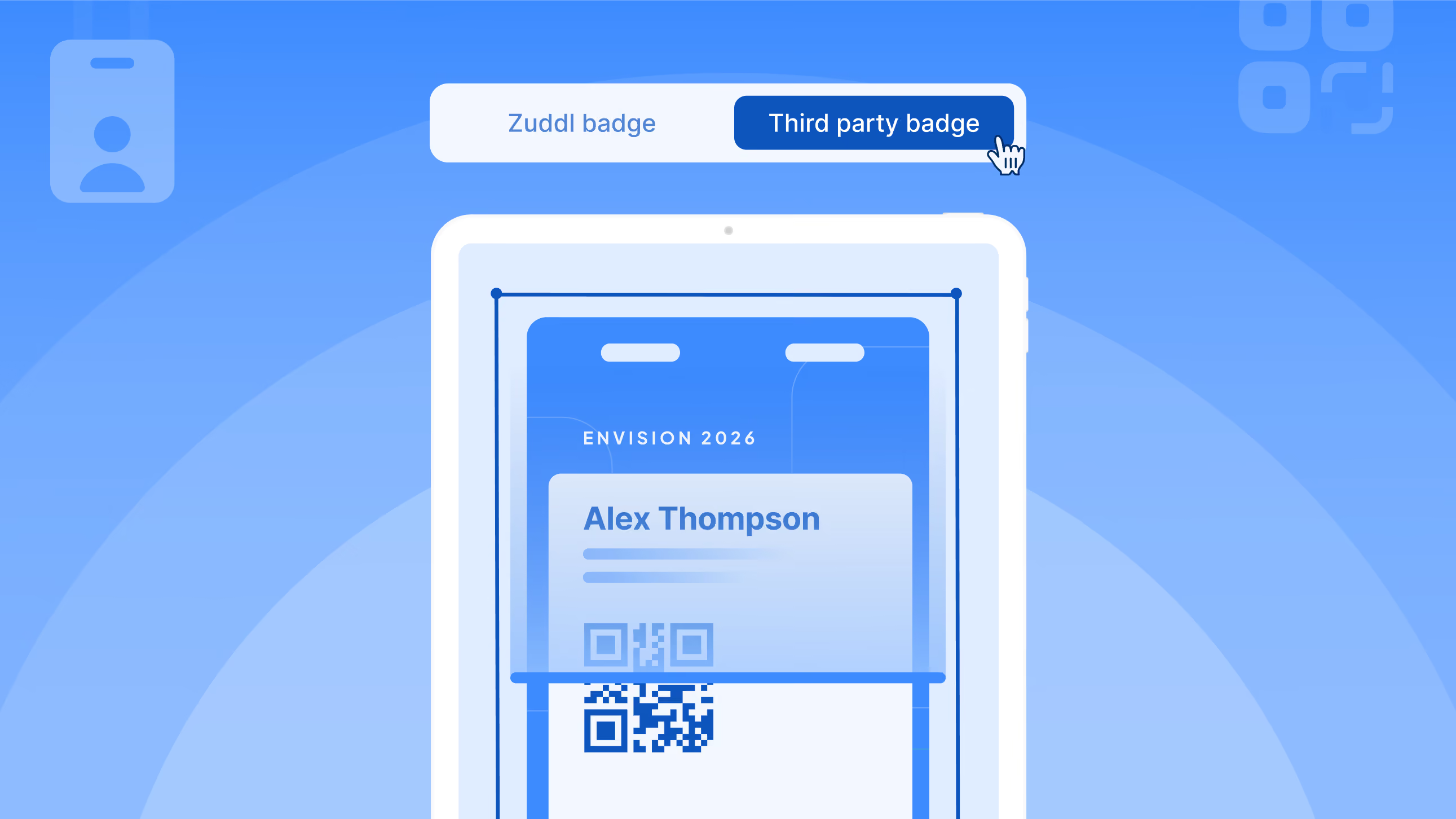
Calibrate an event's badge once before scanning. The lead capture app detects which values map to enrichment fields, assigns them, and skips the rest. Every scan after produces clean, correctly mapped lead data.

Present from any conference room without A/V conflicts

Speakers and organizers can join a Studio session in Presenter Mode to share their screen with camera and mic disabled. Built for conference-room setups where room hardware handles A/V. Polls, chat, and moderation still work.

Print badges for multiple attendees in one run

Onsite staff on iOS can select multiple attendees or the full event roster and print badges in one continuous run. Preview, exclude, and edit before printing - then pause, resume, or reprint from the progress strip.

Choose whether email opens are tracked or not

Email open tracking is on by default, so you can see who opened your emails. To stop tracking, turn off the toggle under Settings - this removes the tracking pixel from all future sends.

Subscribe to our blog

Book A Demo
Deliver your best event ever with Zuddl

Subscribe to our blog now!

Get fresh ideas, actionable insights and expert guidance for B2B events delivered directly to your inbox!

August Product Pulse: Zuddl agent for Slack and Microsoft Teams

August Product Pulse

Zuddl agent for Slack and Microsoft Teams

Checking registration status means opening your event platform, finding the attendee, reading the record, and typing the answer back into Slack or Teams. That's a dozen interruptions per event, and every one of them pulls the event marketer off the work they were doing.

Tag @Zuddl in any event-linked Slack or Teams channel and ask by name, email, or company. The agent returns with a status update in under three seconds. Pending registrations show Approve and Reject buttons right in the thread and when a decision is taken, the status changes post back where the question was asked.

Soon you'll be able to spin up events and generate coupon codes directly from Slack/Teams.

Available for customer orgs on-request. Ping your CSM for more details.

Improvements

One-time badge calibration for clean lead data

Calibrate an event's badge once before scanning. The lead capture app detects which values map to enrichment fields, assigns them, and skips the rest. Every scan after produces clean, correctly mapped lead data.

Present from any conference room without A/V conflicts

Speakers and organizers can join a Studio session in Presenter Mode to share their screen with camera and mic disabled. Built for conference-room setups where room hardware handles A/V. Polls, chat, and moderation still work.

Print badges for multiple attendees in one run

Onsite staff on iOS can select multiple attendees or the full event roster and print badges in one continuous run. Preview, exclude, and edit before printing - then pause, resume, or reprint from the progress strip.

Choose whether email opens are tracked or not

Email open tracking is on by default, so you can see who opened your emails. To stop tracking, turn off the toggle under Settings - this removes the tracking pixel from all future sends.

Subscribe to our blog

Book A Demo

Subscribe to our blog now!

Get fresh ideas, actionable insights and expert guidance for B2B events delivered directly to your inbox!

Our curated hub of inspiration

Take control of your virtual event production with Zuddl.
Own every step from registrations to approvals with Zuddl.
Own your event app from branding to CRM sync with Zuddl.
Book a Demo
Book A Demo
Book A Demo
Steph’s tip for event marketers: 
Bring a simple cost-savings table like this: 
Line Item
2024 Cost
2025 Cost(after negotiation)
Cost Savings
Venue package
$200k
$170k
$30k
Lead capture tech
$18k
$12k
$6k
Then say, “This $36K savings covers the increase I’m asking for.”