Watch On Demand
Back To All Articles

July Product Pulse: Less Busywork Before, During, and After Every Event

Zuddl's July updates take three recurring workarounds off your plate - the manual Salesforce campaign, the video editor for speaker clips, and the CSM request before every event - plus five more improvements across lead capture, accessibility, and checkout.
Product Pulse

Salesforce Campaigns That Create Themselves

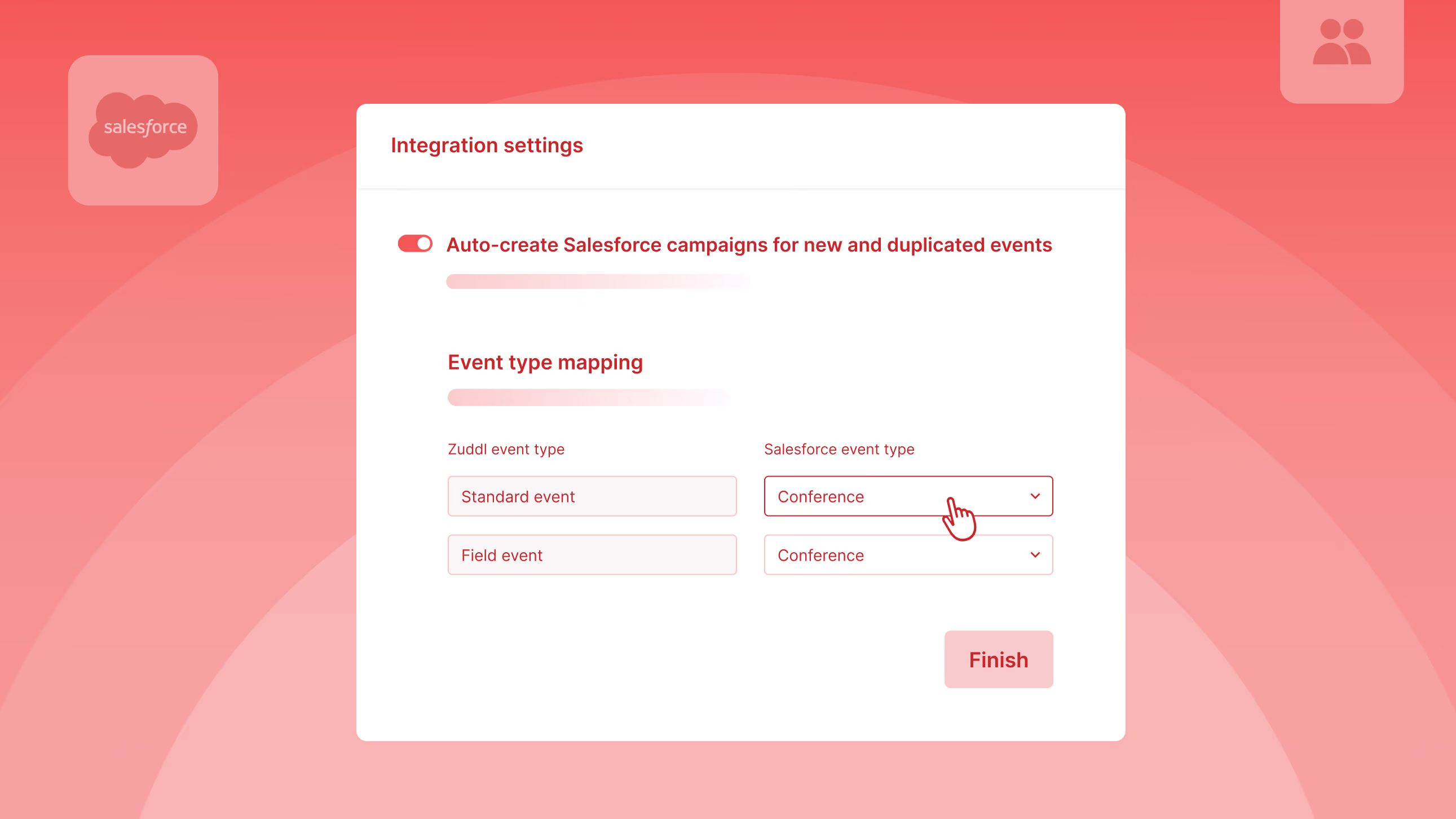
You create an event in Zuddl. Then you open Salesforce, create a campaign, name it to match whatever format you agreed on three quarters ago, set the status to Planned, enter the dates, and link it back to the event. Skip this step and no registration data flows to your CRM. Do it for 30 events a quarter and it's the kind of task nobody owns but everybody notices when it slips.

After one setup at the org level, every new or duplicated event gets its own correctly-named Salesforce campaign the moment you create it. Registration data flows to your CRM without anyone remembering to link things up. Manual campaign IDs still work whenever you need them.

Configure Lead Enrichment Without a Support Ticket

You have an API kit from Maritz or Cvent. You've used it at every conference. But every event, you send those details to the CSM and wait for them to configure it, and hope it's done before your reps start scanning.

Now you submit it yourself from the Lead Capture App settings. Once connected, your badge provider becomes an enrichment source alongside Zuddl's own. You choose which gets priority and which is the fallback. If your primary source returns full data, your reps see that. If it comes back thin, the fallback fills the gaps.

Every Speaker Gets Their Own Recording

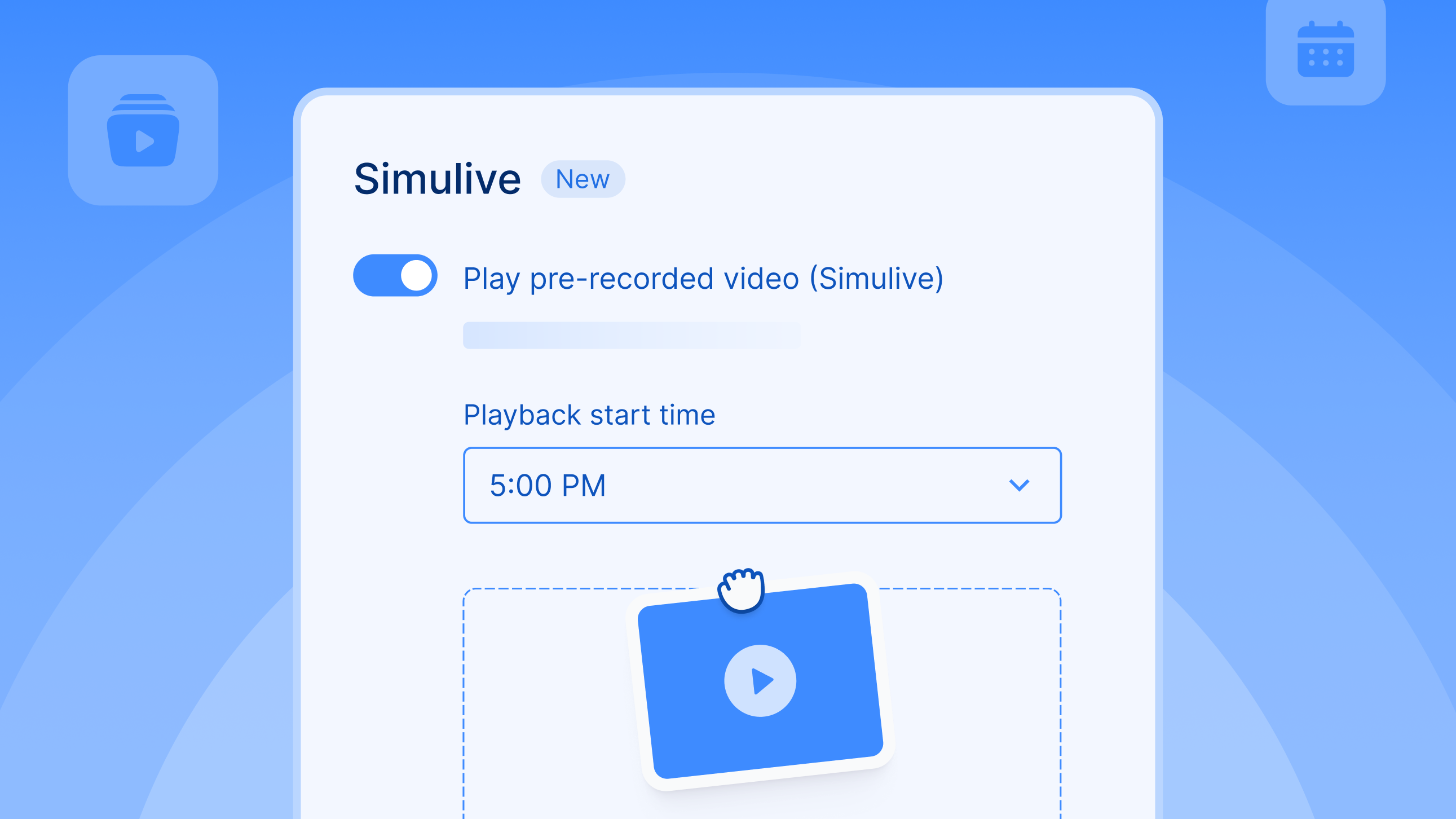
Your keynote ended two hours ago. Marketing needs a 90-second clip of the CEO's closing remarks for LinkedIn by Friday. Your options: send the full-mix recording to a video editor and wait, or scrub through the timeline yourself and hope the export settings are right.

Your content team can now grab individual speaker clips straight from the Recording Library. Each speaker gets their own audio-video file, and screen shares are captured separately. Pull what you need and start repurposing into social clips, podcast segments, or highlight reels. No editor in the loop.

One-time enablement through your CSM. Applies to every webinar and virtual session from there.

Documentation: Events | Webinars

Enhancements

Pre-upload Event Attendees for Context at the Booth

Reps at third-party booths scan badges with no context on who's a target account. Upload your attendee list before the show. Scanned badges auto-match during lead capture, surfacing enriched contact data at the point of scan. No match, the lead is captured as new.

Closed Captions on Every On-Demand Recording

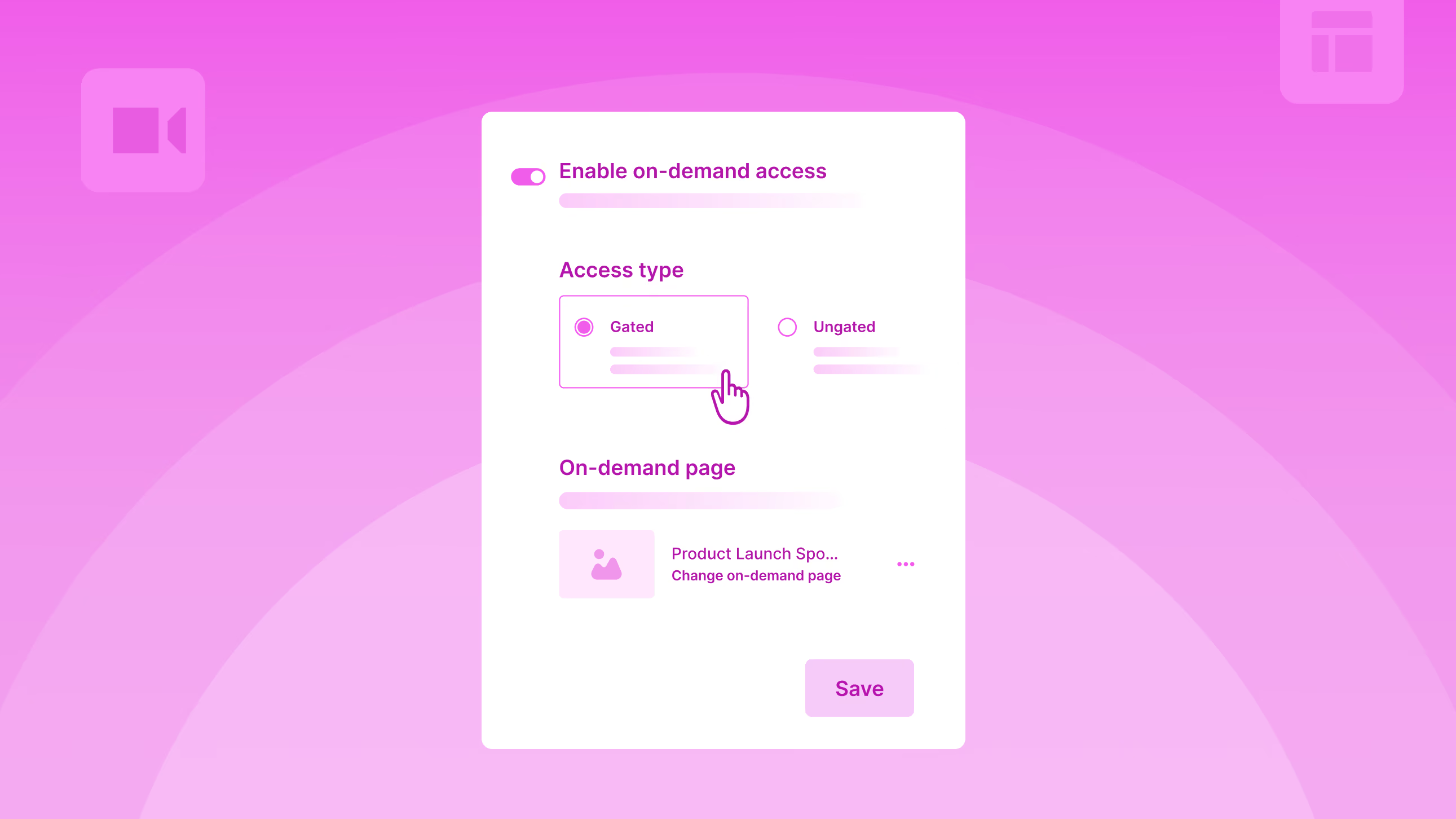
Live sessions had captions. On-demand recordings didn't. The same CC toggle now covers both, with captions auto-translating into up to 6 target languages. Attendees switch languages or turn captions off directly from the player.

Connect with Any Attendee in One QR Scan

Attendees scan each other's QR codes in the Zuddl Events App to connect on the spot. Faster than spelling out a name or swapping business cards. One scan opens the other attendee's full profile. On by default.

Export Badge Photos Directly from the App

Badge photos from lead scanning were stuck in the app with no way to get them out. Reps can now export them from the Lead Capture app, one at a time or in bulk. All scans are grouped by time for easy review.

Automated Tax Calculation at Checkout

Tax rates used to be looked up manually and applied per ticket, per jurisdiction, per event. Zuddl now integrates with Avalara to calculate the right tax automatically at checkout. Every invoice and transaction reflects the correct amount, with one-time setup at the org level.

Help article: How to set up automated taxes using Avalara

Subscribe to our blog

Book A Demo
Deliver your best event ever with Zuddl

Subscribe to our blog now!

Get fresh ideas, actionable insights and expert guidance for B2B events delivered directly to your inbox!

July Product Pulse: Less Busywork Before, During, and After Every Event

Product Pulse

Salesforce Campaigns That Create Themselves

You create an event in Zuddl. Then you open Salesforce, create a campaign, name it to match whatever format you agreed on three quarters ago, set the status to Planned, enter the dates, and link it back to the event. Skip this step and no registration data flows to your CRM. Do it for 30 events a quarter and it's the kind of task nobody owns but everybody notices when it slips.

After one setup at the org level, every new or duplicated event gets its own correctly-named Salesforce campaign the moment you create it. Registration data flows to your CRM without anyone remembering to link things up. Manual campaign IDs still work whenever you need them.

Configure Lead Enrichment Without a Support Ticket

You have an API kit from Maritz or Cvent. You've used it at every conference. But every event, you send those details to the CSM and wait for them to configure it, and hope it's done before your reps start scanning.

Now you submit it yourself from the Lead Capture App settings. Once connected, your badge provider becomes an enrichment source alongside Zuddl's own. You choose which gets priority and which is the fallback. If your primary source returns full data, your reps see that. If it comes back thin, the fallback fills the gaps.

Every Speaker Gets Their Own Recording

Your keynote ended two hours ago. Marketing needs a 90-second clip of the CEO's closing remarks for LinkedIn by Friday. Your options: send the full-mix recording to a video editor and wait, or scrub through the timeline yourself and hope the export settings are right.

Your content team can now grab individual speaker clips straight from the Recording Library. Each speaker gets their own audio-video file, and screen shares are captured separately. Pull what you need and start repurposing into social clips, podcast segments, or highlight reels. No editor in the loop.

One-time enablement through your CSM. Applies to every webinar and virtual session from there.

Documentation: Events | Webinars

Enhancements

Pre-upload Event Attendees for Context at the Booth

Reps at third-party booths scan badges with no context on who's a target account. Upload your attendee list before the show. Scanned badges auto-match during lead capture, surfacing enriched contact data at the point of scan. No match, the lead is captured as new.

Closed Captions on Every On-Demand Recording

Live sessions had captions. On-demand recordings didn't. The same CC toggle now covers both, with captions auto-translating into up to 6 target languages. Attendees switch languages or turn captions off directly from the player.

Connect with Any Attendee in One QR Scan

Attendees scan each other's QR codes in the Zuddl Events App to connect on the spot. Faster than spelling out a name or swapping business cards. One scan opens the other attendee's full profile. On by default.

Export Badge Photos Directly from the App

Badge photos from lead scanning were stuck in the app with no way to get them out. Reps can now export them from the Lead Capture app, one at a time or in bulk. All scans are grouped by time for easy review.

Automated Tax Calculation at Checkout

Tax rates used to be looked up manually and applied per ticket, per jurisdiction, per event. Zuddl now integrates with Avalara to calculate the right tax automatically at checkout. Every invoice and transaction reflects the correct amount, with one-time setup at the org level.

Help article: How to set up automated taxes using Avalara

Subscribe to our blog

Book A Demo

Subscribe to our blog now!

Get fresh ideas, actionable insights and expert guidance for B2B events delivered directly to your inbox!

Our curated hub of inspiration

No items found.
Take control of your virtual event production with Zuddl.
Own every step from registrations to approvals with Zuddl.
Own your event app from branding to CRM sync with Zuddl.
Book a Demo
Book A Demo
Book A Demo
Steph’s tip for event marketers: 
Bring a simple cost-savings table like this: 
Line Item
2024 Cost
2025 Cost(after negotiation)
Cost Savings
Venue package
$200k
$170k
$30k
Lead capture tech
$18k
$12k
$6k
Then say, “This $36K savings covers the increase I’m asking for.”