Back To All Articles

December Product Pulse: Improve Registration Quality, Webinar Engagement and More

Discover Zuddl’s December product updates—custom registration validations, interactive webinar apps, editable field slugs, and smarter calendar invites to improve data quality and engagement.

This December, we’re excited to roll out four powerful enhancements that bring you smarter validation, deeper engagement flexibility, cleaner calendar automation, and flexible field slugs - all designed to save your team time, reduce errors, and elevate the attendee experience.

In this Product Pulse, we break down what’s new, how it works, and why it matters for your events.

Apply Custom Validation Logic to Registration Forms

Getting high-quality registrations shouldn’t be a guessing game. Until now, organizers were limited to basic input checks during registration. With server-side form validations, you can now run custom logic and external checks on every form submission before a registration is accepted.

This ensures only clean, intentional, and policy-compliant data enters your event pipeline, while giving you full control over validation logic and attendee messaging.

What you can do with it

  • Validate email addresses using trusted third-party providers like ZeroBounce, Kickbox, or NeverBounce.
  • Block disposable, invalid, or risky domains, or apply validation rules to any field not just email.
  • Run custom scripts and API-based logic on form submission to enforce business-specific rules.
  • Show fully custom error messages, including multi-field validations and contextual nudges based on attendee input.

How it works

  1. Configure validations once at the organization level from General Settings → Form Validations.
  2. Apply them to any form within an event’s registration flow via the Validations tab.
  3. On submission, Zuddl securely executes your validation logic server-side.
  4. If a rule fails, attendees see clear, configurable errors and can correct inputs.
  5. If validation passes, the form submits, and the attendee proceeds to the next step.

Smart validations mean cleaner attendee data, fewer manual interventions, and confidence that your event pipeline is built on trustworthy inputs.

Note: This feature is rolling out behind a feature flag and is currently available for intenal orgs and Riskified orgs.

Add Interactive Custom Apps To Your Webinars

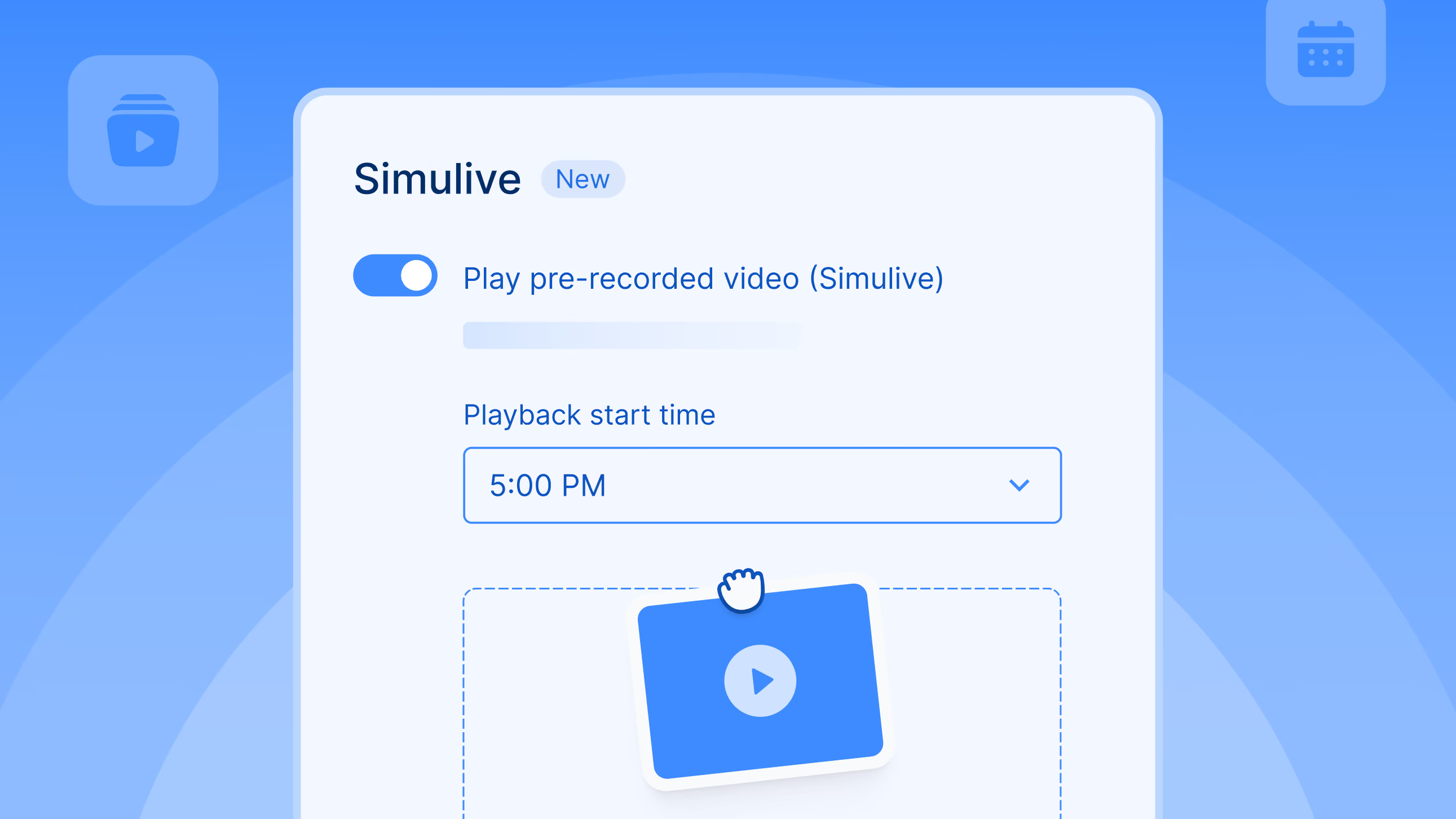
Webinars have become powerful tools for education, conversion, and community building, but limiting engagement to built-in tools can leave value on the table. With our new Custom Apps integration, you can embed iframes for surveys, calculators, external tools, and more directly into the webinar engagement panel.

What’s new

  • Add Custom Apps to your webinar layout like other engagement tools
  • Embed third-party experiences directly inside the webinar interface
  • Keep attendees immersed in your content without disruptive redirects

Every time an attendee leaves the webinar to complete an action - fill a survey, take a quiz, explore a tool - there’s a risk of drop-off. With embedded apps, you keep engagement centralized, seamless, and contextually relevant, boosting participation and conversion.

Update Event Details in Calendar Blocks

Calendar invitations are often the last touchpoint before an attendee shows up. If they’re unclear or generic, they can lead to confusion, missed sessions, or wasted support time. This update gives you complete control over how your event details appear in calendar invites.

What you can customize

  • Event name and event location for calendar blocks
  • Dynamically populated content using merge tags such as:
    • {{event_name}}, {{event_start_date}}, {{event_start_time}}, {{event_end_date}}, {{event_end_time}}, {{event_venue}}, {{event_location_url}}, {{event_url}}

Smart behavior by event type

  • In-person / Hybrid: Calendar invites will show the official venue location
  • Virtual: Invites automatically include the event link with a secure magic token

Notes for users

  • Changes to calendar invites may not appear in existing email templates if the “Add to Calendar” links were previously customized.
  • To apply these updates, modified templates will need the Add to Calendar links re-added manually.

Clean, accurate calendar blocks reduce confusion and support requests, and help attendees show up prepared - whether in person or online.

Set Custom Field Slugs That Stay Consistent Across Events

Changing form field labels is common. Breaking integrations because of it shouldn’t be.

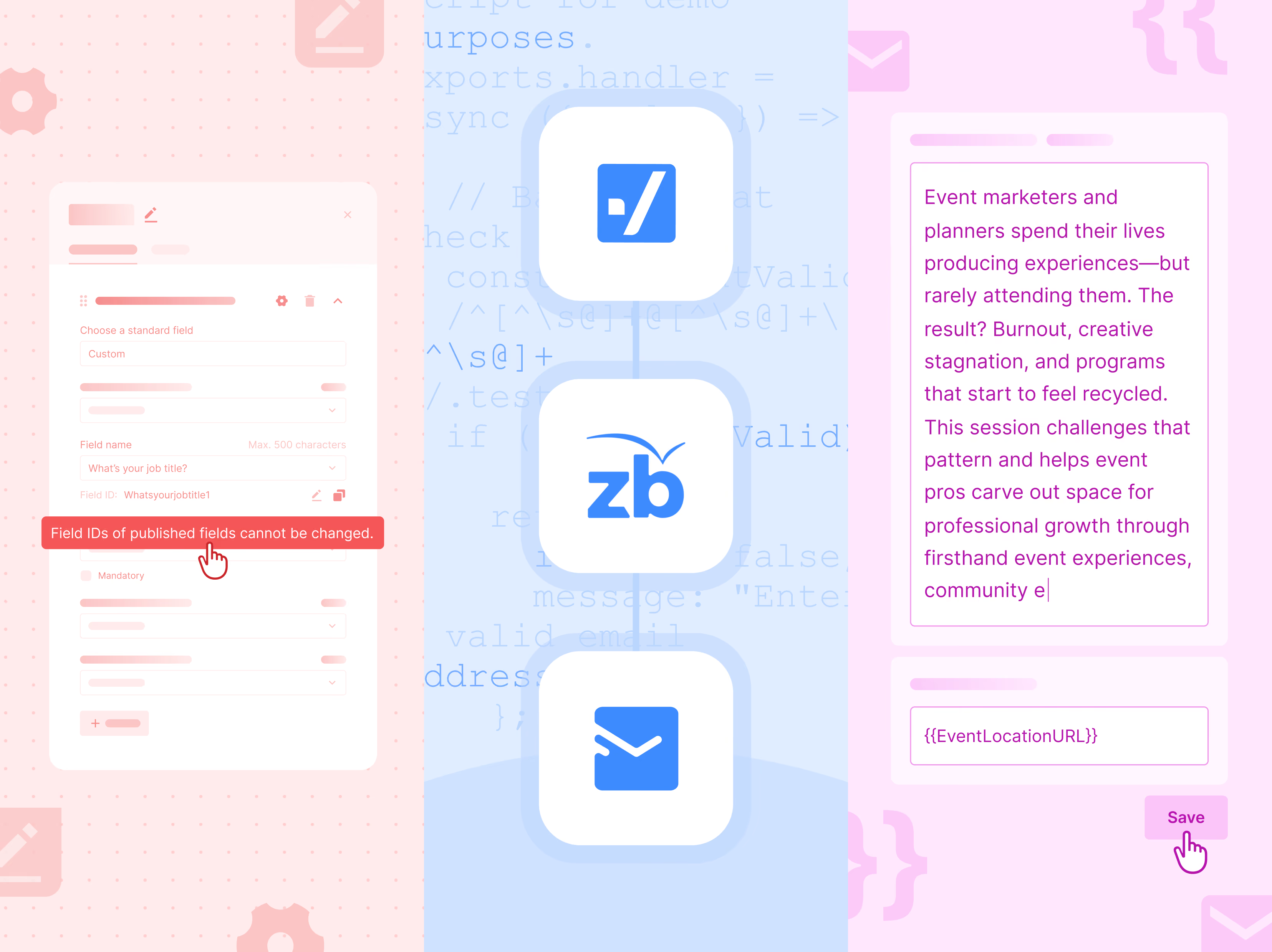
With Editable Field Slugs, organizers now have control over Field IDs - without risking downstream systems like CRMs, reports, or automations.

What’s new

  • Organizers can edit a field’s Field ID (slug) until the registration flow is published
  • Once published, Field IDs are locked to ensure integrations and mappings remain stable
  • Field IDs must be unique across the entire event, even across different flows
  • Clear validation and error states flag duplicate slugs or character limits (up to 100 characters)

What stays protected

  • Mandatory system fields (First Name, Last Name, Email) continue to use fixed, non-editable Field IDs

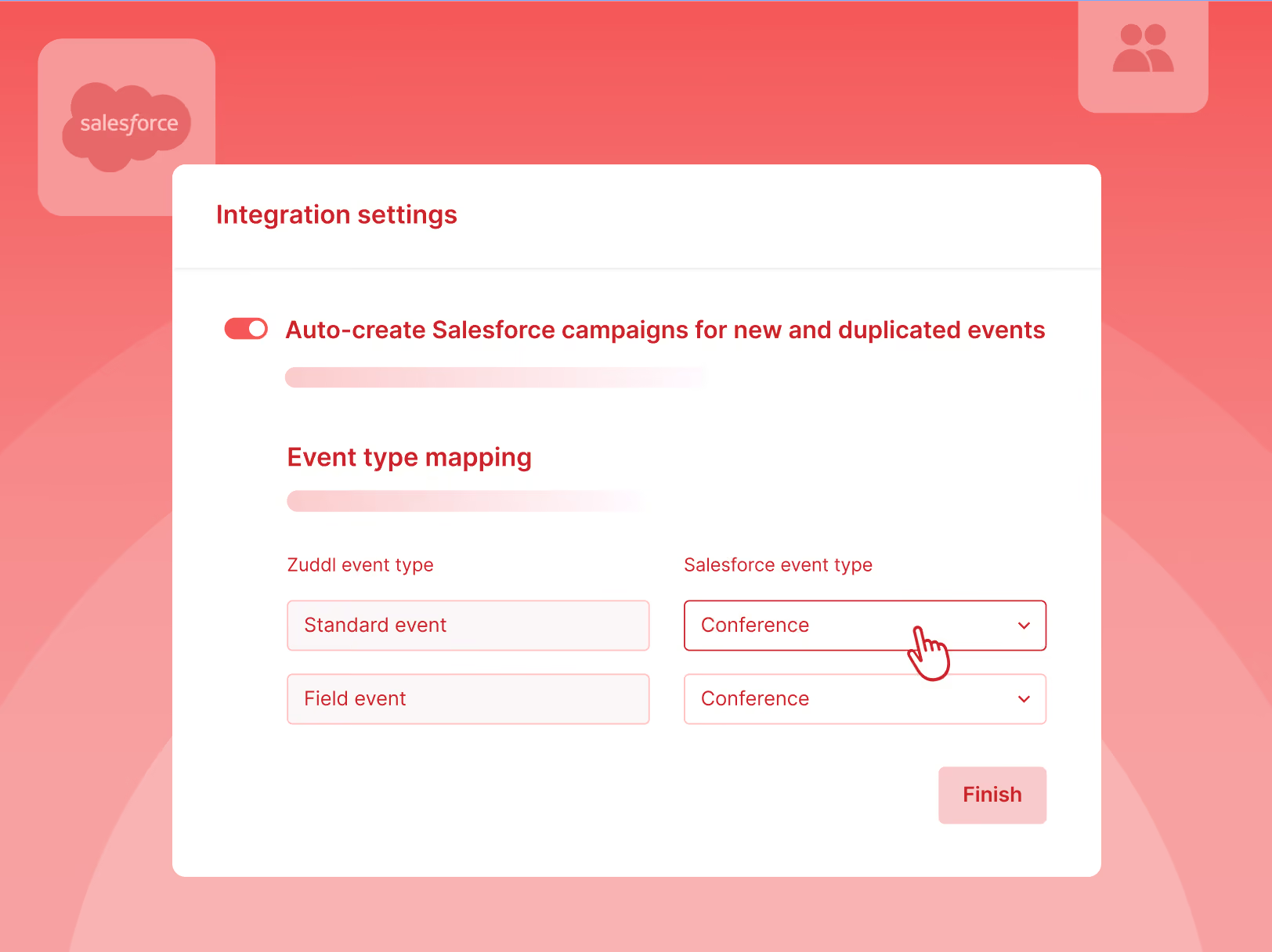
You get flexibility during setup without risking broken Salesforce mappings, reporting errors, or integration failures after launch.

As always, these improvements are part of our ongoing commitment to make event management more intelligent, dependable, and effortless - for every type of event. If you’re curious to see these in action or have questions about adoption, our product team is happy to help!

Subscribe to our blog

Book A Demo
Deliver your best event ever with Zuddl

Subscribe to our blog now!

Get fresh ideas, actionable insights and expert guidance for B2B events delivered directly to your inbox!

December Product Pulse: Improve Registration Quality, Webinar Engagement and More

This December, we’re excited to roll out four powerful enhancements that bring you smarter validation, deeper engagement flexibility, cleaner calendar automation, and flexible field slugs - all designed to save your team time, reduce errors, and elevate the attendee experience.

In this Product Pulse, we break down what’s new, how it works, and why it matters for your events.

Apply Custom Validation Logic to Registration Forms

Getting high-quality registrations shouldn’t be a guessing game. Until now, organizers were limited to basic input checks during registration. With server-side form validations, you can now run custom logic and external checks on every form submission before a registration is accepted.

This ensures only clean, intentional, and policy-compliant data enters your event pipeline, while giving you full control over validation logic and attendee messaging.

What you can do with it

  • Validate email addresses using trusted third-party providers like ZeroBounce, Kickbox, or NeverBounce.
  • Block disposable, invalid, or risky domains, or apply validation rules to any field not just email.
  • Run custom scripts and API-based logic on form submission to enforce business-specific rules.
  • Show fully custom error messages, including multi-field validations and contextual nudges based on attendee input.

How it works

  1. Configure validations once at the organization level from General Settings → Form Validations.
  2. Apply them to any form within an event’s registration flow via the Validations tab.
  3. On submission, Zuddl securely executes your validation logic server-side.
  4. If a rule fails, attendees see clear, configurable errors and can correct inputs.
  5. If validation passes, the form submits, and the attendee proceeds to the next step.

Smart validations mean cleaner attendee data, fewer manual interventions, and confidence that your event pipeline is built on trustworthy inputs.

Note: This feature is rolling out behind a feature flag and is currently available for intenal orgs and Riskified orgs.

Add Interactive Custom Apps To Your Webinars

Webinars have become powerful tools for education, conversion, and community building, but limiting engagement to built-in tools can leave value on the table. With our new Custom Apps integration, you can embed iframes for surveys, calculators, external tools, and more directly into the webinar engagement panel.

What’s new

  • Add Custom Apps to your webinar layout like other engagement tools
  • Embed third-party experiences directly inside the webinar interface
  • Keep attendees immersed in your content without disruptive redirects

Every time an attendee leaves the webinar to complete an action - fill a survey, take a quiz, explore a tool - there’s a risk of drop-off. With embedded apps, you keep engagement centralized, seamless, and contextually relevant, boosting participation and conversion.

Update Event Details in Calendar Blocks

Calendar invitations are often the last touchpoint before an attendee shows up. If they’re unclear or generic, they can lead to confusion, missed sessions, or wasted support time. This update gives you complete control over how your event details appear in calendar invites.

What you can customize

  • Event name and event location for calendar blocks
  • Dynamically populated content using merge tags such as:
    • {{event_name}}, {{event_start_date}}, {{event_start_time}}, {{event_end_date}}, {{event_end_time}}, {{event_venue}}, {{event_location_url}}, {{event_url}}

Smart behavior by event type

  • In-person / Hybrid: Calendar invites will show the official venue location
  • Virtual: Invites automatically include the event link with a secure magic token

Notes for users

  • Changes to calendar invites may not appear in existing email templates if the “Add to Calendar” links were previously customized.
  • To apply these updates, modified templates will need the Add to Calendar links re-added manually.

Clean, accurate calendar blocks reduce confusion and support requests, and help attendees show up prepared - whether in person or online.

Set Custom Field Slugs That Stay Consistent Across Events

Changing form field labels is common. Breaking integrations because of it shouldn’t be.

With Editable Field Slugs, organizers now have control over Field IDs - without risking downstream systems like CRMs, reports, or automations.

What’s new

  • Organizers can edit a field’s Field ID (slug) until the registration flow is published
  • Once published, Field IDs are locked to ensure integrations and mappings remain stable
  • Field IDs must be unique across the entire event, even across different flows
  • Clear validation and error states flag duplicate slugs or character limits (up to 100 characters)

What stays protected

  • Mandatory system fields (First Name, Last Name, Email) continue to use fixed, non-editable Field IDs

You get flexibility during setup without risking broken Salesforce mappings, reporting errors, or integration failures after launch.

As always, these improvements are part of our ongoing commitment to make event management more intelligent, dependable, and effortless - for every type of event. If you’re curious to see these in action or have questions about adoption, our product team is happy to help!

Subscribe to our blog

Book A Demo

Subscribe to our blog now!

Get fresh ideas, actionable insights and expert guidance for B2B events delivered directly to your inbox!

Our curated hub of inspiration

Book a Demo
Book A Demo
Book A Demo
Steph’s tip for event marketers: 
Bring a simple cost-savings table like this: 
Line Item
2024 Cost
2025 Cost(after negotiation)
Cost Savings
Venue package
$200k
$170k
$30k
Lead capture tech
$18k
$12k
$6k
Then say, “This $36K savings covers the increase I’m asking for.”