August Product Pulse: Zuddl agent for Slack and Microsoft Teams
The Zuddl agent handles attendee lookups and registration approvals in Slack and Microsoft Teams. Plus badge calibration, presenter mode, bulk printing, and email tracking controls.
Get fresh ideas, actionable insights and expert guidance for your B2B events and webinars.
Explore Zuddl’s latest features—This month’s updates eliminate manual post-event work, give teams tighter controls over discounts and coupons, and make cross-team event management more scalable.
Webinars don’t end when the live session stops, but post-webinar workflows often require manual effort across recordings, pages, and access controls.
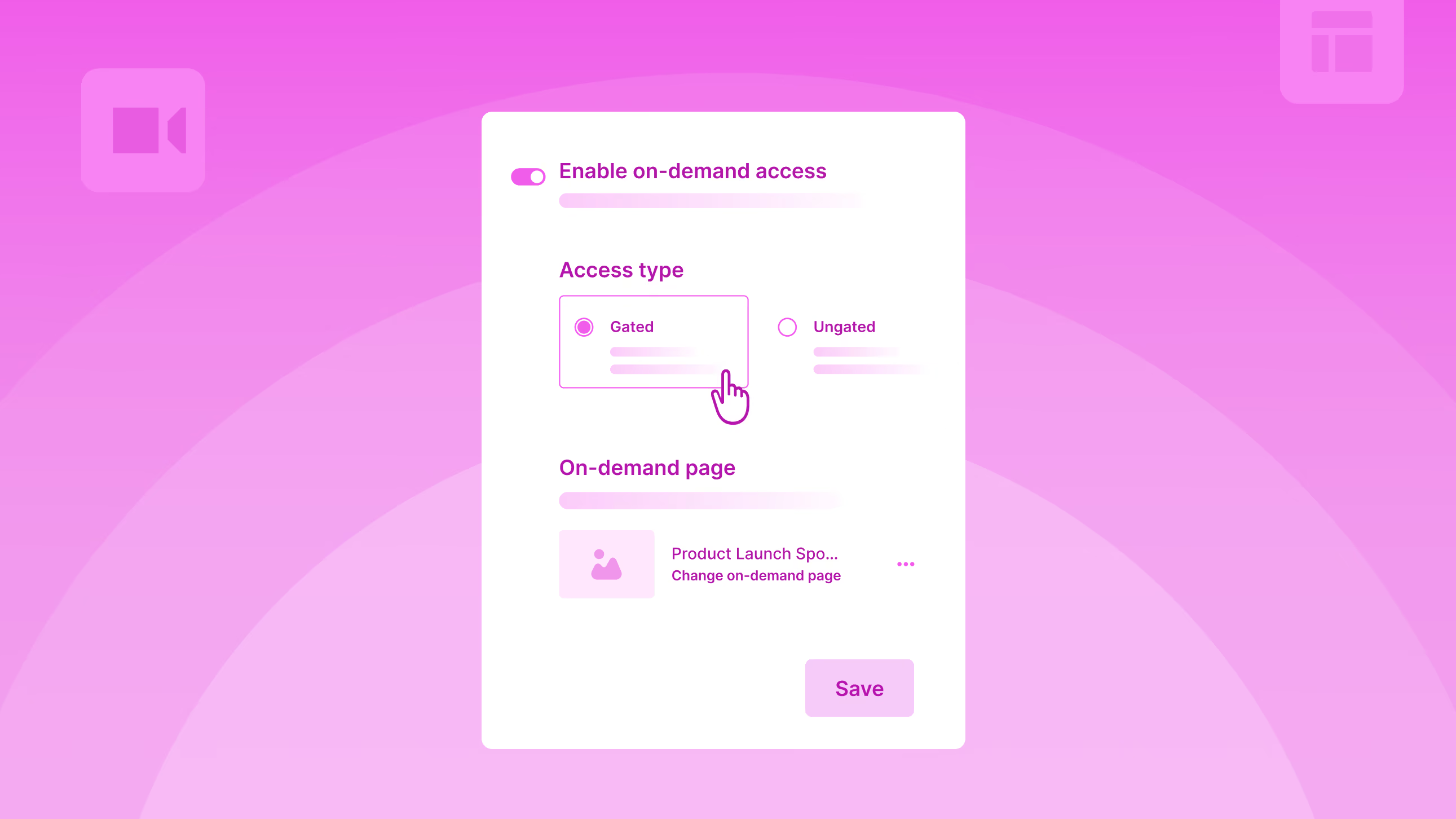
The On-Demand experience for webinars is now fully automated.
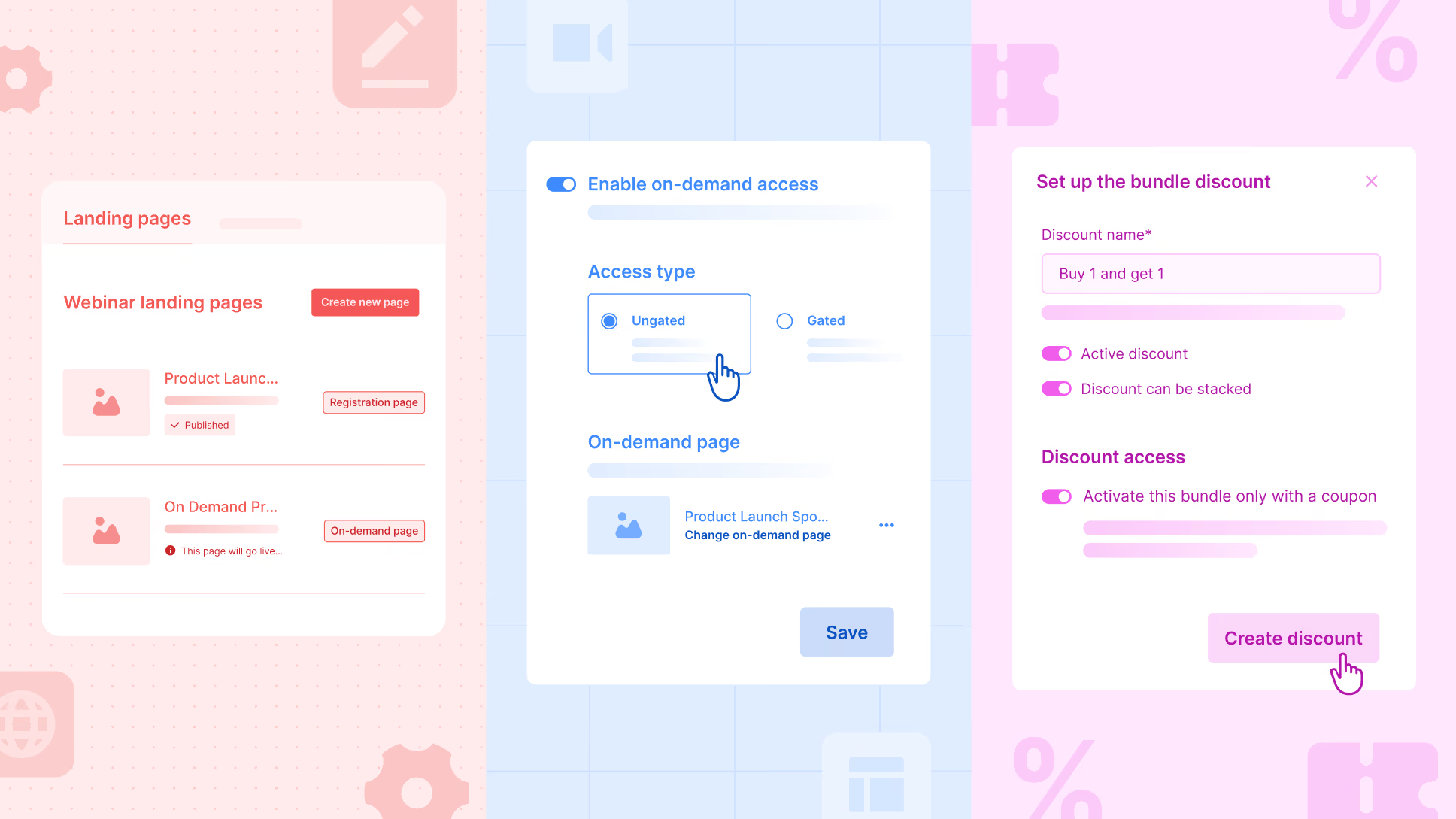
Organizers can set up their entire post-webinar VoD experience in advance, including the page, widgets, and access, and activate it with a single toggle. Once the webinar ends, Zuddl automatically unpublishes the registration page and publishes the on-demand page on the same URL, along with the recordings.
Here’s what’s new
Why this matters
Organizers can create a bundle discount, but allow users to activate it only when a coupon is applied.
Here’s what’s new:
For example, an organizer may want to offer Sponsor A an exclusive Buy 1, Get 1 offer on Gold tickets, capped at 100 free tickets in total.
With coupon-activated bundle discounts, the organizer can create a B1G1 bundle, link it to a specific coupon, and set usage limits so that no more than 100 free tickets are redeemed, whether those are claimed in a single transaction or across multiple transactions.
This ensures the sponsor gets their agreed benefit, while the organizer maintains full control over discount exposure and limits.
Why this matters:
The Pending Registrations page now highlights counts for Unassigned Tickets and Incomplete Registrations for quick visibility. With a new Status filter, organizers can send reminders to purchasers who haven’t assigned tickets and to attendees who’ve bought tickets but haven’t completed their registration.
Registration and attendance statuses are now standardized across setup, reports, and integrations. Pre-registration and attendance statuses will appear consistently in relevant columns, filters, and tabs, improving reporting accuracy and integration reliability.
You can now rate AI Agent responses using thumbs up or thumbs down. Feedback helps improve accuracy and response quality over time.
Hubs can now include events from multiple teams. While adding events, organizers see events only from selected teams, with improved filters (by status, team, and tags) to find them faster. Events added to or removed from a hub automatically sync across all hub widgets, no manual updates required.
Organizers can now upload and associate session recordings for in-person events, extending content access beyond the live experience.
Organizers can choose to show/hide the contents of the Attendee Details section - registration details, show edit details link, and form summary.
Two fields, ‘Lead added by name’ and ‘Lead added by email’, will now be available in lead capture field mappings in the integration setup. These two fields are also available in the lead object of the webhook’s payload/response.
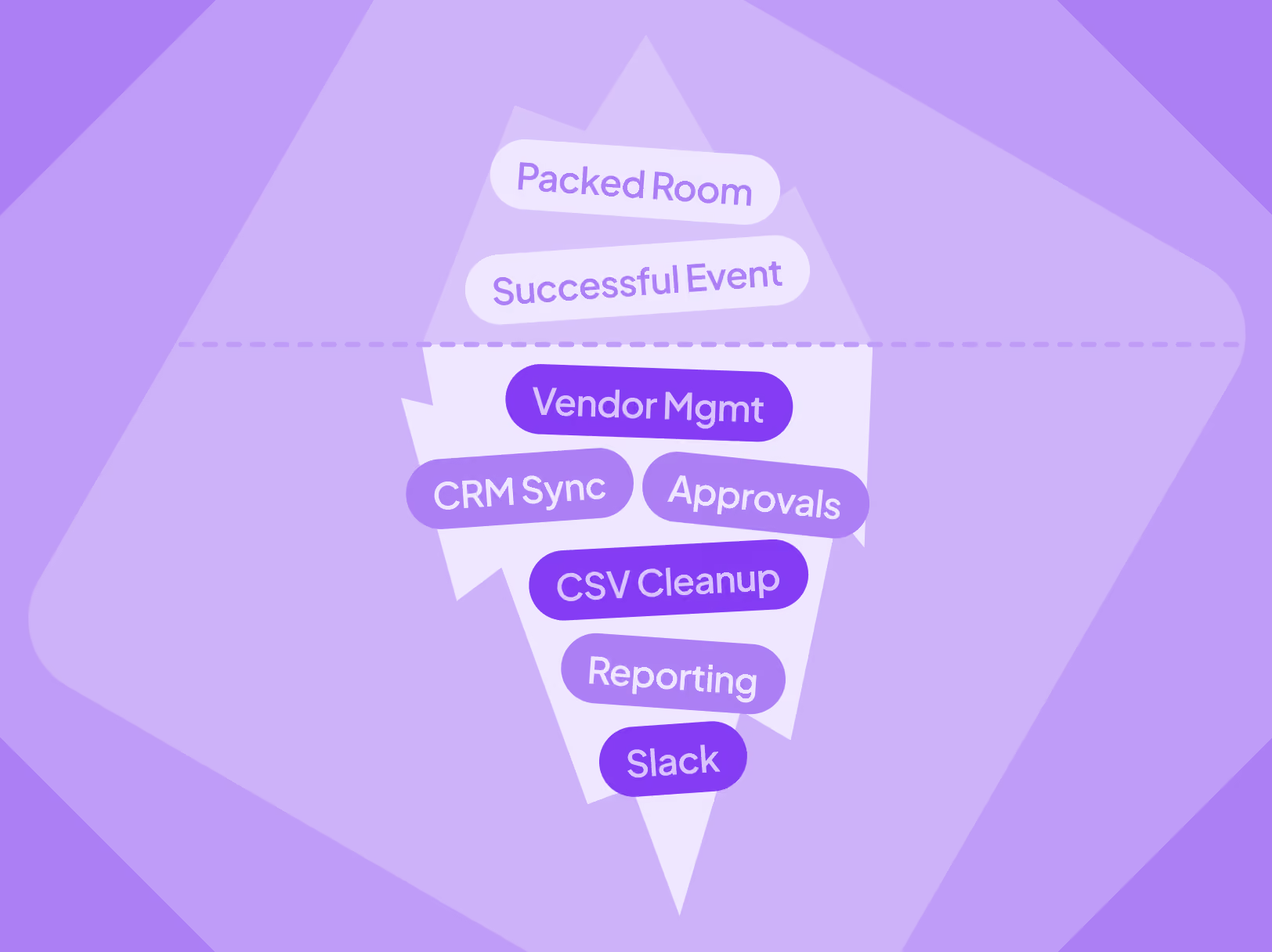
Event brand drift isn’t a “brand guidelines” problem. It’s an operations problem across tools, vendors, and handoffs. See where your brand breaks across the event lifecycle and how to make “on brand” the default.
For marketing teams scaling event-driven growth, maintaining brand consistency is hard for a practical reason. Not because your brand guidelines or decisions aren't in place (your design team already knows what “on brand” looks like).
It's because event execution spans six or more tools, multiple vendors, and web dev ticket queues that don't move as fast as your event program demands.
[.ebook-q-card][.ebook-body-text] As per Forrester, nearly 28% of the largest organizations still deploy six or more event technology platforms, and only one in five has fully integrated their primary platform into their broader tech stack.[.ebook-body-text][.ebook-q-card]
With these many tools in the mix, brand consistency becomes the slow path. And when being on brand is the slow path, teams measured on pipeline do what makes sense. They ship fast. And their event brand takes a hit.
Or, the other option is to protect the brand by shipping slower. But that’s not a real option if you’re aiming for tens of events per quarter.
In this piece, we map how your brand breaks across the event lifecycle, why this gets worse at scale, why better guidelines do not solve the root cause, and what changes when operations stop forcing a tradeoff between speed and consistency.
Trace your attendee journey from registration to follow-up, and the brand fractures aren't where you'd expect. They're not in the hero image or the color palette.
They're in the seams. The points where one tool hands off to another, and the output no longer looks or feels like your company’s.
Here's what that looks like in practice.
Before the event
During the event
After the event
Every point where one tool hands off to another is a point where your event brand quietly stops being consistent.
[.ebook-q-card][.ebook-body-text]Brand inconsistency across touchpoints is not just a visual drift. It limits your revenue growth potential, too. A recent Forrester study revealed that providing a consistent, on-brand experience to customers can unlock up to 3.5X higher revenue growth.[.ebook-body-text][.ebook-q-card]
At low volume, you can manually plug these gaps. It is painful, but possible.
If you run four events a year, you can QA most touchpoints yourself. It costs you time, but it works.
The moment you scale to 10, 20, or 40 events across cities and formats, manual oversight becomes impossible.
Each format adds complexity and typically another tool. Webinars need a studio platform. Field events need a check-in app. Conferences need badge printing, session management, and a mobile app.
Each layer is another brand expression to govern, another set of defaults to override.
The more events you run, the more your operations need to keep up, so your brand stays consistent across the board. And the less time you have to make that happen manually.
You can't slow down. There are quarterly targets across cities and launch windows that can’t wait long for a brand review. You can't hire a dedicated brand QA for every regional team.
So the team does what any team measured against pipeline would do. They work around it fast. They choose “on time” over “on brand”. Not just for one event, but for most of them.
Brand guidelines are necessary, but not sufficient when platform constraints stand in the way.
If your landing page builder limits you to templates you can't fully customize, better guidelines won't close the gap. If your email platform forces its own header and footer, better guidelines won't override them.
Your team knows what the brand should look like. They can't execute it consistently because they're constrained by platform capabilities, vendor workflows, and what integrations preserve across systems.
[.ebook-q-card][.ebook-body-text]This is the core issue most event branding advice skips over. It treats the problem as a knowledge gap when it's actually a control gap.[.ebook-body-text][.ebook-q-card]
You're not just renting tools. You're renting your brand's appearance at every touchpoint those tools control.

Now let’s go back to the same journey from the first section, but with an operations layer built and integrated to keep up:
Before the event
During the event
After the event
With such a unified operations layer, “on brand” becomes the default output. It becomes the faster path, not the slower one.
As a result, your team doesn't have to slow down, hire more, or cut corners anymore. Brand consistency stops being something you painfully enforce and becomes something the system handles by default.
All of this isn't hypothetical. This is how hundreds of B2B teams using Zuddl operate every week.
From day one, Zuddl was built to unify event operations from pre-event to post-event.
Landing pages, registration and ticketing, emails, badges, check-in, webinar studio, mobile app, on-demand content, and follow-ups all live in one system.
This gives your team consistent design control across touchpoints and eliminates handoffs that can break your event brand.
"We've streamlined our operations by dissolving multiple platforms thanks to Zuddl. Additionally, Zuddl has standardized our event landing pages, ensuring a seamless and familiar UX for our customers.” Read full review
“Zuddl allows us to have a professional-looking, branded registration and event environment when briefing media about new product launches, as well as reducing the time taken to administer the events.” Read full review

You can also schedule a free demo with a Zuddl representative to see how we can help you design and run on-brand events, fast.
Explore Zuddl’s latest features—session-specific calendar invites, BCC email support, scalable CSV approvals, and custom payment gateways—designed to streamline event operations at scale.
This month’s updates focus on the moments that usually slow teams down - communications, calendars, approvals, and payments and make them work effortlessly at scale.
This Product Pulse walks through what’s new and why it matters for teams running high-volume, high-impact events.
A single calendar block for the entire event helps with planning, but once the event is underway, attendees need session-specific calendar invites to manage their time and priorities.
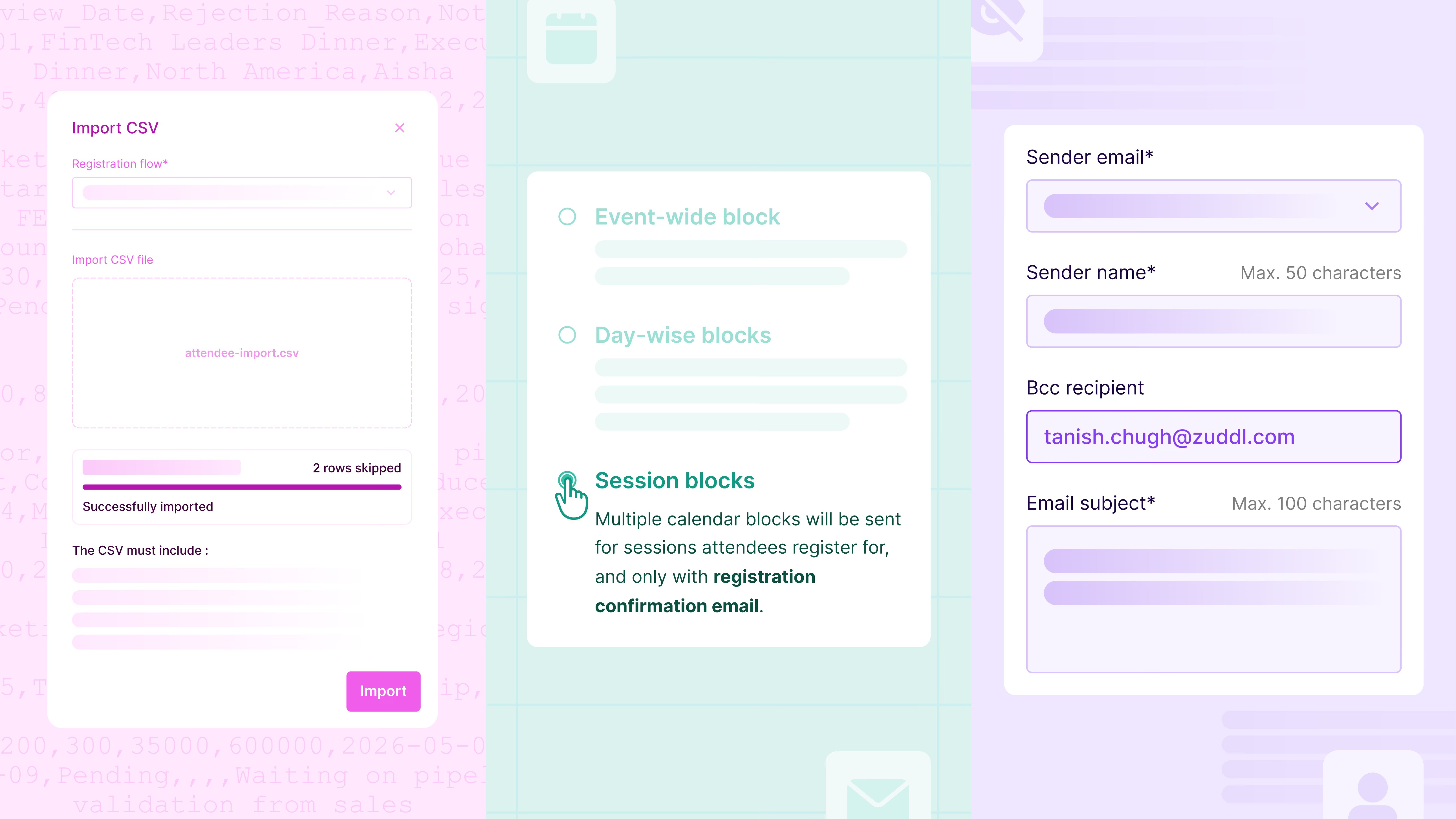
In addition to event-wide & day-wise blocks, a new session block configuration has been added to the calendar invites page. These invites are sent automatically immediately after session registration confirmation and remain in sync if updates/modifications occur later.
Organizers can also customize how each session appears in the calendar - title, description, timing, and location, ensuring invites are clear and actionable. To maintain consistency, session invites are delivered through a dedicated communication: “New sessions added to your agenda.”
Why this matters
Event communications often need visibility beyond attendees. Sales, marketing, operations, or compliance teams may need access to outgoing emails, but forwarding messages or recreating sends creates unnecessary overhead and introduces opportunities for error.
With BCC support for standard and custom emails, organizers can now automatically include internal recipients on attendee communications. BCC recipients receive an exact copy of the email, remain completely hidden from attendees, and are configured directly at the email level.
This capability also supports enterprise requirements to retain or share communication records without affecting the attendee experience.
Why this matters
Approval-based events work well until request volume spikes. Manually approving attendees one by one quickly becomes a bottleneck for operations teams.
With bulk approval updates via CSV, organizers can now process approvals in one go. Pending requests can be downloaded as a CSV file. Process them in Excel or another spreadsheet, update them with approval decisions, and re-upload for immediate processing. For better visibility, all approval requests - Pending, Approved, and Rejected - can be downloaded in a single file.
Why this matters
Payment requirements vary widely across regions and organizations. Although Zuddl supports native integrations with Stripe, Cybersource, and PayPal (OOTB), waiting for additional native integrations can delay launches or force teams into suboptimal payment setups.
With Custom Payment Gateways, organizers can connect their own external payment providers, such as Bluesnap, Klarna, Adyen, Braintree, Helcim, Payline, Razorpay, and Shift4, directly at the organization level. Once configured, these gateways behave like native options within events.
During checkout, purchasers are securely redirected to the organizer’s hosted payment page. Zuddl listens for real-time payment status updates and automatically guides buyers through confirmation or failure flows.
Why this matters
You can now define a default Marketo folder per base program. This ensures every new or duplicated event creates its Marketo program in the correct folder, without extra setup or cleanup at scale. Read more.
Support for 4×4 badge printing using compatible Zebra printers is now available in the Onsite App. This gives organizers greater flexibility in badge layouts during on-site check-ins.
Attendees can now specify what they’re offering and what they’re looking for directly in their networking profiles. These signals power more relevant networking recommendations and better matchmaking.
Introducing Zuddl AI Agents for modern event teams. Apply branding, analyze performance, and unlock revenue insights using natural language—no designers, analysts, or spreadsheets required.
Event automation has finally caught up with the way events actually work.
For the last decade, event technology has focused on better formats, better dashboards, better mobile experience - but the manual work hasn’t disappeared.
Teams still:
The tools got better, but the work didn’t get lighter.
“Event professionals spend nearly 40% of their time on administrative tasks, according to sentisight.ai on the AI for Event Marketers blog.”
And today, events aren’t just brand moments - they are revenue-generating engines.
Yet event marketing managers are stuck with repetitive, time-consuming tasks while they should be focused on pipeline, conversion, and audience impact.
If the last generation of platforms put power in users’ hands, the next generation removes the need to perform the work manually.
Zuddl introduces two new AI Agents, each making life easier for event marketers at different points in the event journey - reducing operational load for event marketers, event ops, and marketing ops teams while unlocking faster execution.
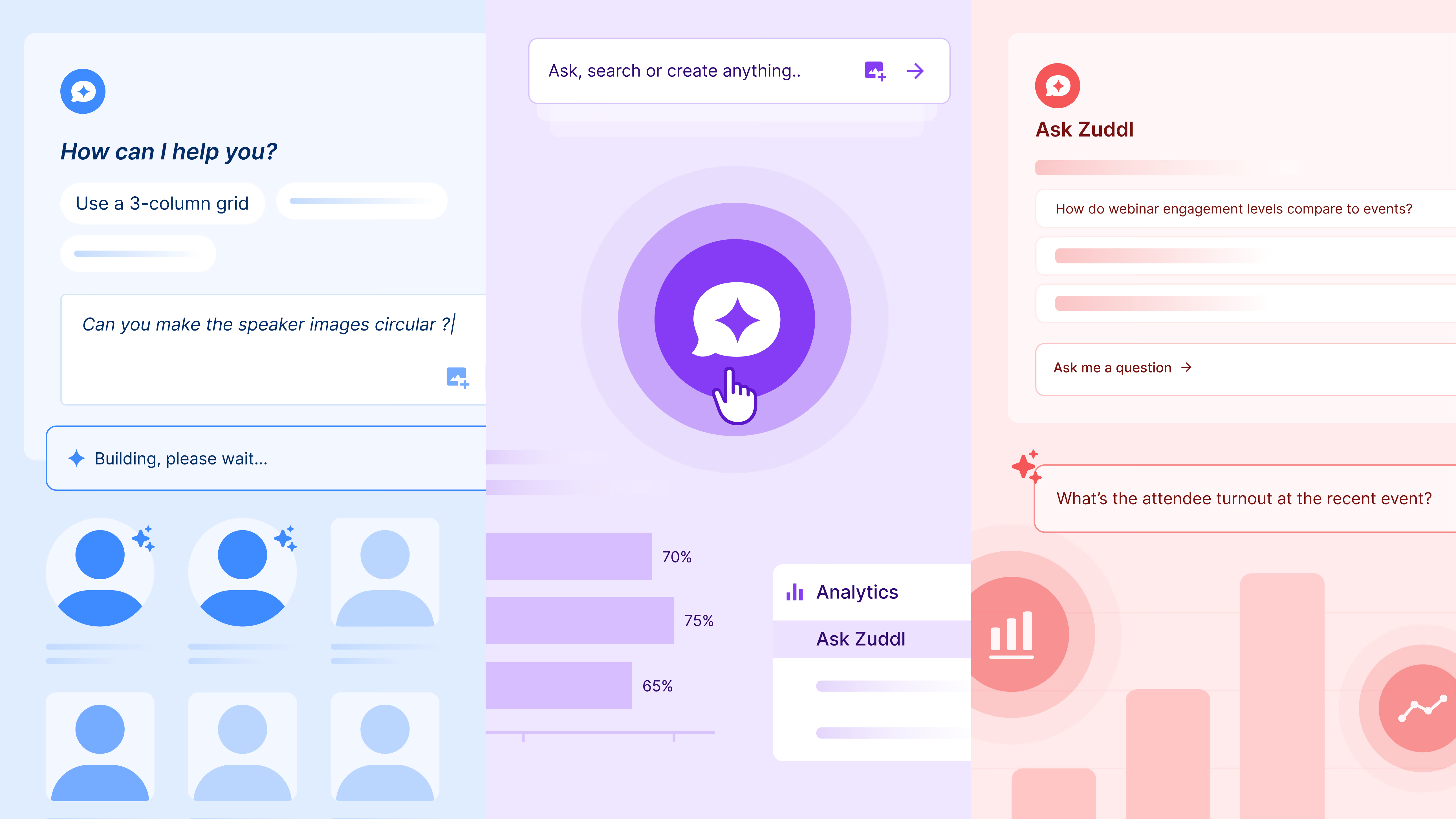
Apply your branding across event widgets and visual elements using natural language. Zuddl Sidekick generates production-ready CSS and handles image processing (background removal, resizing, centering) to keep every asset consistently on-brand without designer dependency or back-and-forth revisions.
Before: Working with designers for Figma updates or developers for CSS tweaks.
Now: Prompt your design changes and see them applied instantly.
Try prompts like:
Design Assist turns branding into a fast, repeatable workflow so you can iterate, preview, undo, and perfect your event design in minutes, not days.
Analyze event performance, engagement, and revenue through conversational prompts. Ask Zuddl delivers visually rich insights, comparisons, and recommendations without spreadsheets, dashboards to build, BI tools, or analyst dependency.
Ask Zuddl brings fragmented event data together and turns it into:
Try prompts like:
This isn’t reporting - it’s real-time, visual decision intelligence for event teams.
These agents are not general-purpose chatbots. They are domain-governed systems engineered for operational safety.
AI can automate. Governance ensures autonomy doesn’t become a risk.
Chat with one of our product experts to get a detailed walkthrough of Zuddl’s new AI Agents and see how automation can transform event planning, operations, and revenue outcomes.
Discover Zuddl’s December product updates—custom registration validations, interactive webinar apps, editable field slugs, and smarter calendar invites to improve data quality and engagement.
This December, we’re excited to roll out four powerful enhancements that bring you smarter validation, deeper engagement flexibility, cleaner calendar automation, and flexible field slugs - all designed to save your team time, reduce errors, and elevate the attendee experience.
In this Product Pulse, we break down what’s new, how it works, and why it matters for your events.
Getting high-quality registrations shouldn’t be a guessing game. Until now, organizers were limited to basic input checks during registration. With server-side form validations, you can now run custom logic and external checks on every form submission before a registration is accepted.
This ensures only clean, intentional, and policy-compliant data enters your event pipeline, while giving you full control over validation logic and attendee messaging.
Smart validations mean cleaner attendee data, fewer manual interventions, and confidence that your event pipeline is built on trustworthy inputs.
Note: This feature is rolling out behind a feature flag and is currently available for intenal orgs and Riskified orgs.
Webinars have become powerful tools for education, conversion, and community building, but limiting engagement to built-in tools can leave value on the table. With our new Custom Apps integration, you can embed iframes for surveys, calculators, external tools, and more directly into the webinar engagement panel.
Every time an attendee leaves the webinar to complete an action - fill a survey, take a quiz, explore a tool - there’s a risk of drop-off. With embedded apps, you keep engagement centralized, seamless, and contextually relevant, boosting participation and conversion.
Calendar invitations are often the last touchpoint before an attendee shows up. If they’re unclear or generic, they can lead to confusion, missed sessions, or wasted support time. This update gives you complete control over how your event details appear in calendar invites.
Clean, accurate calendar blocks reduce confusion and support requests, and help attendees show up prepared - whether in person or online.
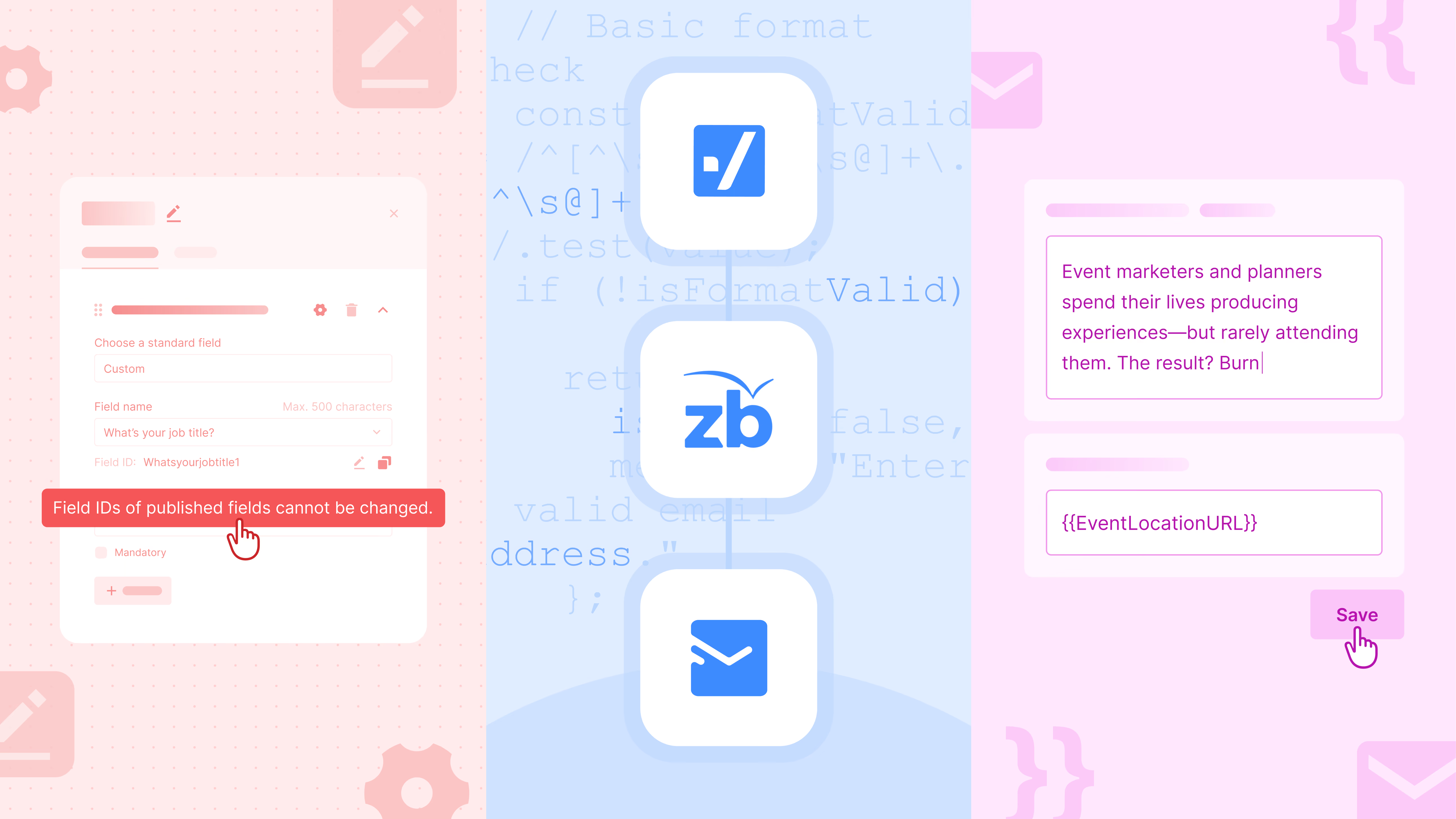
Changing form field labels is common. Breaking integrations because of it shouldn’t be.
With Editable Field Slugs, organizers now have control over Field IDs - without risking downstream systems like CRMs, reports, or automations.
You get flexibility during setup without risking broken Salesforce mappings, reporting errors, or integration failures after launch.
As always, these improvements are part of our ongoing commitment to make event management more intelligent, dependable, and effortless - for every type of event. If you’re curious to see these in action or have questions about adoption, our product team is happy to help!
From integration logs and shareable reports to smarter coupon controls, our November product updates bring us closer to a more connected, intelligent, and effortless B2B event tech experience.
We bring a fresh set of upgrades designed to simplify how you run events. Real-time reporting, smarter discounts, and transparent integration logs all work together to make your workflows faster and your data more dependable.
As Zuddl continues to expand the unified event management platform, these improvements help you stay in control, eliminate manual cleanup, and keep every event experience sharp and secure.
Event performance shouldn’t be locked behind platform access - and now, it isn’t.
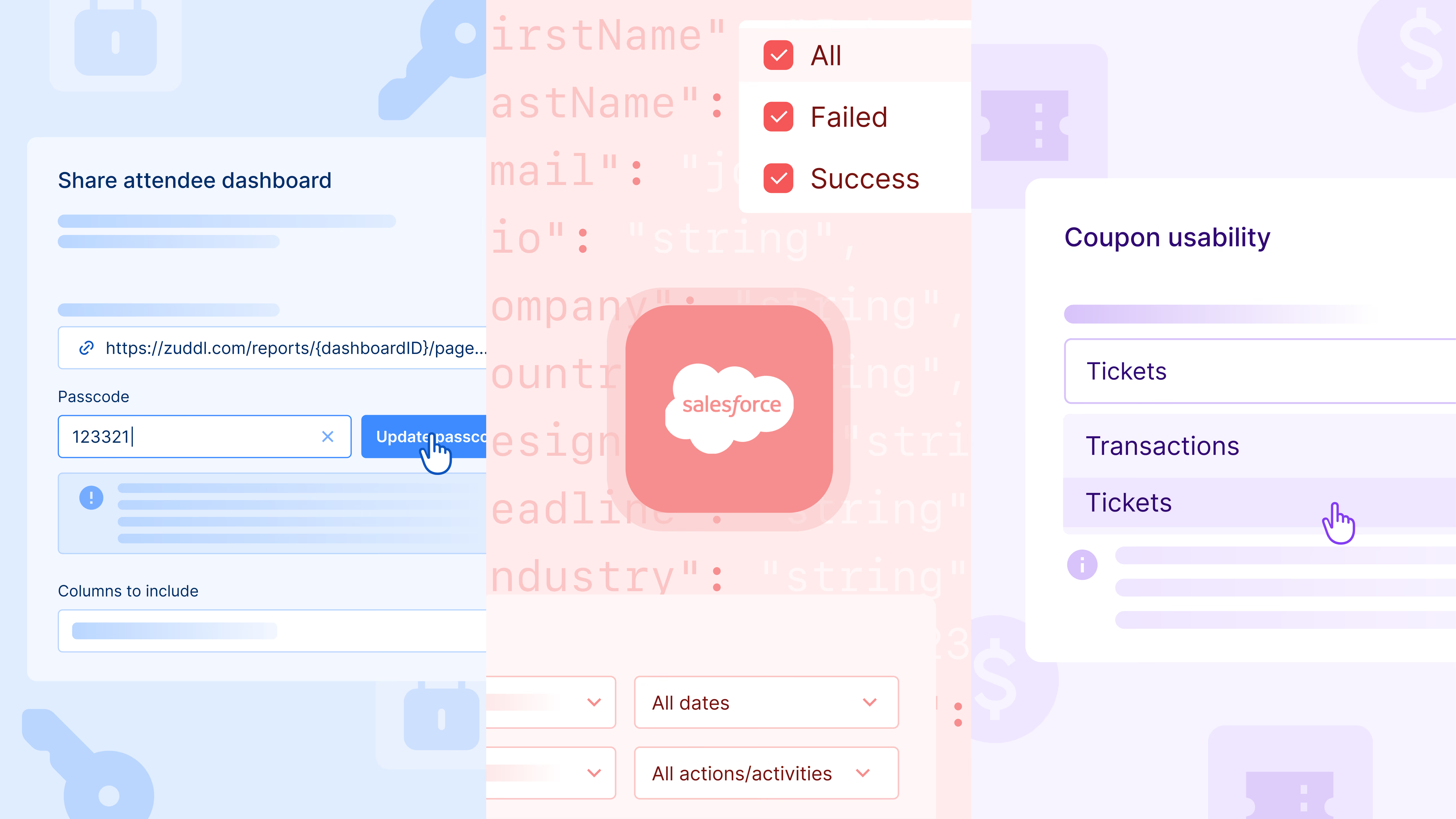
With Zuddl’s Shareable Attendee Report, you can securely share real-time attendee data with anyone who needs visibility, even if they don’t have a Zuddl login. Unlike static exports, these reports stay live and continuously update as registrations, attendance, and attendee actions roll in.
And with the latest enhancements, organizers can now customize reports by selecting or deselecting columns, tailoring what each viewer sees. When multiple custom fields share the same label, their slugs are displayed alongside the field name for easy identification - ensuring clarity and accuracy in every shared view.
You can effortlessly generate a public report link + passcode, share it with unlimited viewers, and update the passcode anytime to revoke or refresh access. Every shared session stays active for 24 hours, with shorter expiry options currently in work for teams needing tighter controls.
This makes it easier than ever to keep internal teams, partners, speakers, and leadership aligned - securely, instantly, and without generating endless CSVs.
Managing integrations across Salesforce, HubSpot, Marketo, and other systems shouldn’t be guesswork. With Zuddl’s Integration Logs, you now get end-to-end visibility into every sync happening between Zuddl and your tech stack.
Track all events, registrations, attendance records, and engagement activities as they sync. Filter by event, date, or action type to quickly identify issues. And if something fails, you get direct access to the exact API response - no need to dig into multiple tools.
Need to retry a specific sync? You can do that right from the logs (with built-in guardrails to prevent accidental updates).
Whether you’re validating CRM data, troubleshooting mismatches, or ensuring your event data pipeline stays intact, Integration Logs give you transparency and control like never before.
Event organizers often want a coupon to be redeemed by the first x number of tickets, not just the first x number of transactions. Previously, limits in Zuddl were tied to transactions - so, coupon usage in an order with one ticket and an order with five tickets both counted as a single use. This meant organizers could not directly cap the number of discounted tickets they wanted to offer.
With the new update, coupon limits can now be based on tickets instead of transactions. Each ticket redeemed with the coupon can be counted individually toward the limit.
If your coupon limit is 50 tickets, and someone buys 5 tickets in a single order, all five count. Once the cumulative total hits 50 tickets, the coupon stops applying.
We’ve also enhanced the coupon table to show exactly how many tickets (or transactions, depending on your chosen setting) have been redeemed - making campaign monitoring far clearer.
These improvements give you far more precision and predictability for discounts, early-bird promos, partner codes, and gated ticket drops.
From integration logs to shareable reports to smarter coupon controls, each update brings us closer to a more connected, intelligent, and effortless event platform experience.
Got questions or want to explore these features in action? Chat with our product experts - we’re happy to help.
This month, we’re making your events more connected, insightful, and secure — with Open API flexibility, a smarter home dashboard, stronger email controls, and expanded printer support.
This month, we’re taking another step toward making events more connected, secure, and effortless. From powerful Open APIs that unlock new integrations, to email domain restrictions that protect your attendee list, and dashboard and printer upgrades that make operations smoother - these updates help your team run events faster, smarter, and with greater control.
We’ve opened up the Zuddl platform like never before.
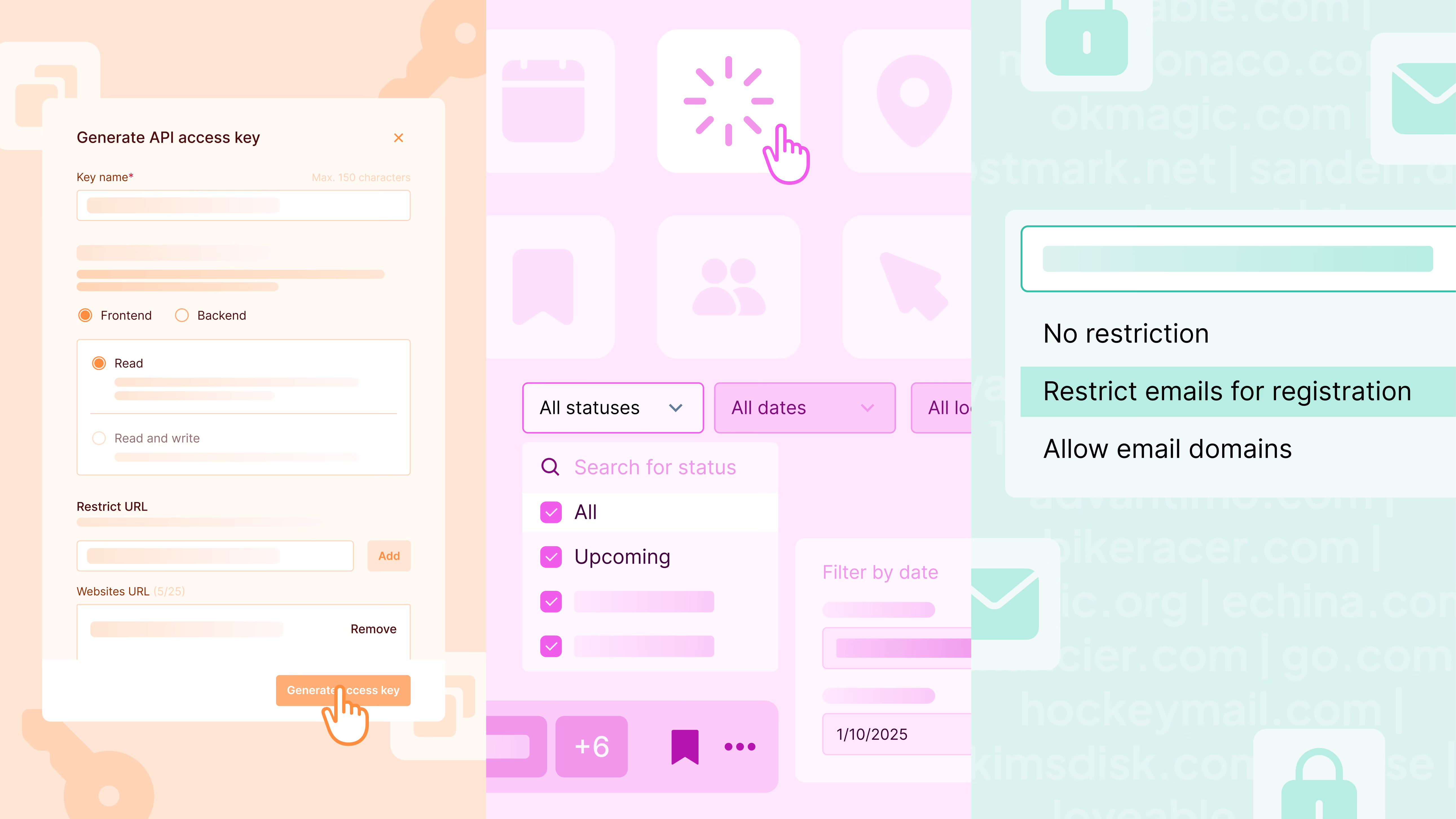
With Zuddl’s RESTful APIs, you can now interact directly with your event or webinar data - and take action programmatically. Pull session, speaker, or sponsor information into your website, update attendee or location details on the fly, or create and modify event elements directly within your own systems.
In short, Zuddl APIs give you the power to integrate, automate, and extend your event ecosystem - your way.
It’s a new era of flexibility - making Zuddl not just a platform, but a seamlessly connected part of your event tech stack.
🔗 Check out the full documentation: Zuddl API Reference
Ensuring that the right people register for your events just got easier.
With Zuddl’s Email Domain Restriction, you can now control who gets to sign up - ensuring only your target audience, not competitors or non-business users, make it through the door.
You have full flexibility to decide how strict you want to be:
Anyone trying to register with a restricted email address will be denied automatically - keeping your registration list focused, secure, and aligned with your ICP.
Best of all, these restrictions apply across Hybrid, Virtual, Webinars, and Field Events, and are even auto-applied to existing events, saving you valuable setup time. Support doc.
We’ve redesigned the Zuddl Home Dashboard from the ground up to make navigation effortless and event management more intuitive.
Here’s what’s new:
It’s a dashboard designed for speed, context, and clarity - so every team member can find what matters and act faster.
Say hello to faster, more professional check-ins.
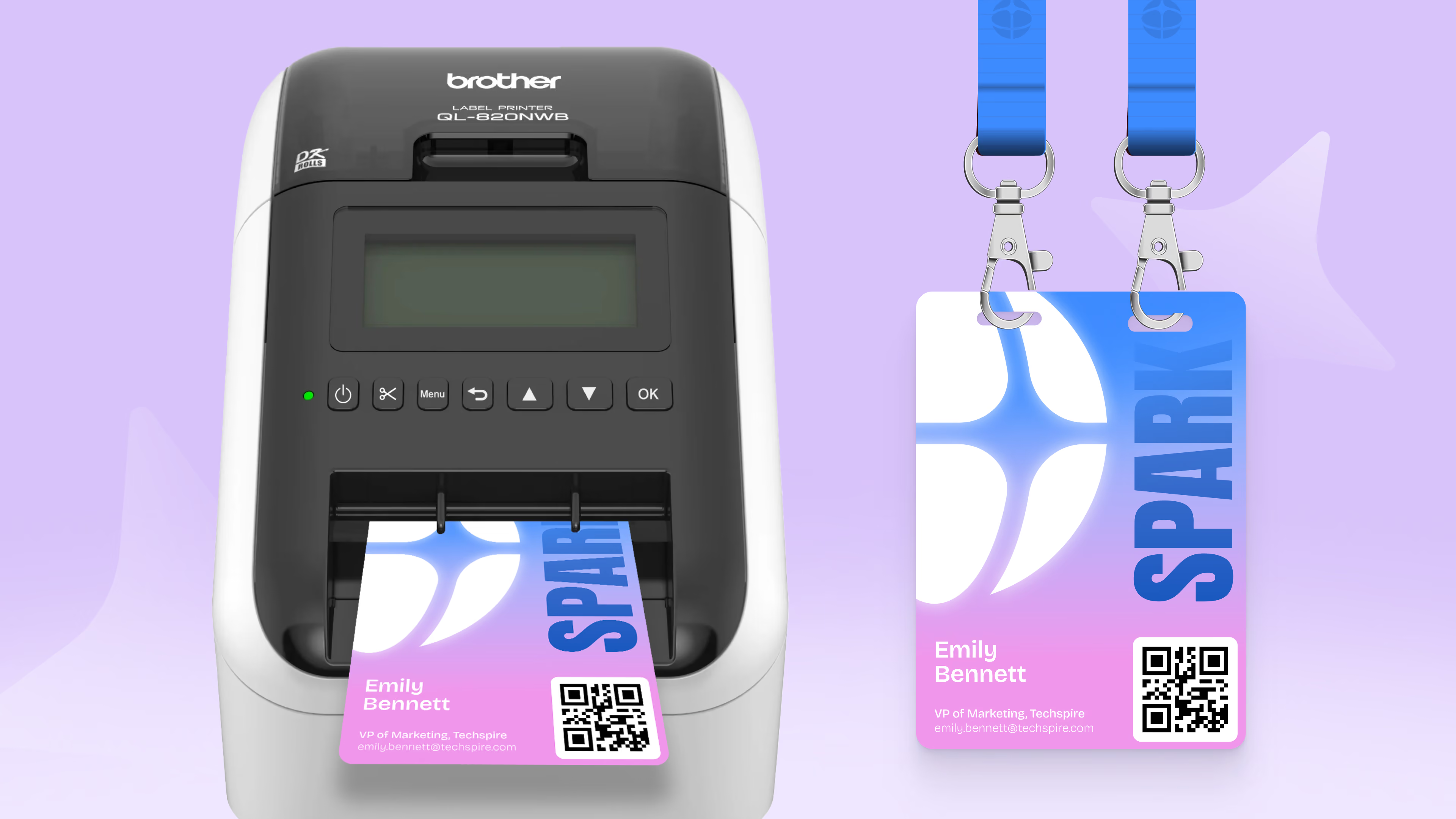
Zuddl’s onsite app now supports the Brother QL-820NWB printer, making badge printing a breeze - compact, quick, and reliable.

Here’s what makes it great:
With this update, you can streamline onsite operations, reduce wait times, and deliver a polished, branded experience from the moment attendees arrive.
From integration power to security, organization, and onsite efficiency - this month’s updates are all about making event management more fluid and effortless.
Got questions or want to explore these features in action?
Chat with our product experts - we’re happy to help.
From Vegas to London—see what industry events we're headed to in Q4'25. Come say hi and see Zuddl in action.
From Vegas to London, our Q4 events roster is shaping up to be our most exciting yet.
Team Zuddl is hitting the road this quarter, meeting event and marketing leaders across major global events.
This quick post highlights where we’ve already been and where you’ll see us next.
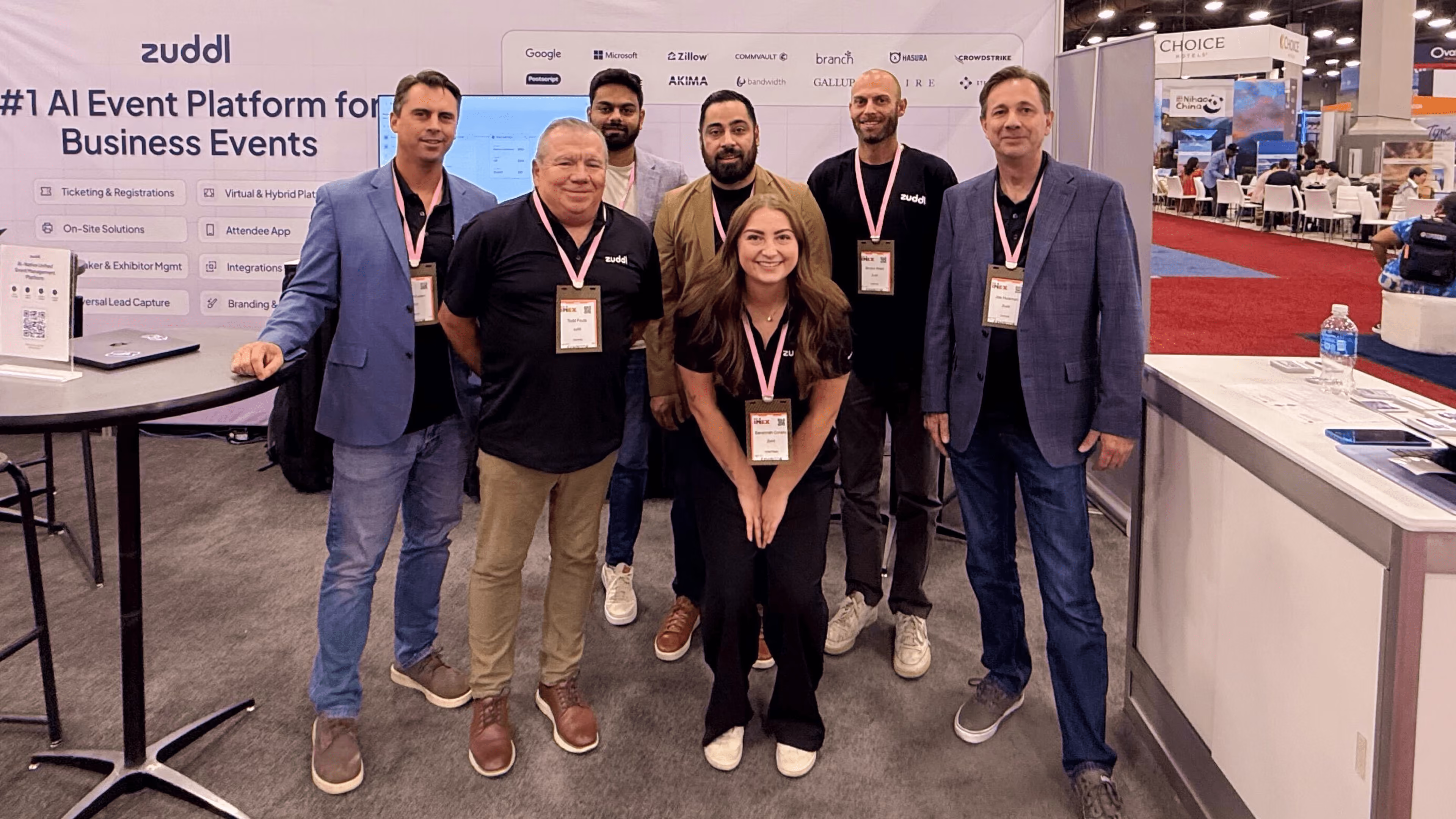
We kicked off Q4 with a bang at IMEX America 2025 and Money20/20 USA.
We unveiled our latest innovation: Zuddl’s AI Agents—on-demand copilots for event marketing that automate workflows, personalize experiences, and uncover real-time insights.
The response was incredible. Events and ops teams were intrigued by how seamlessly our AI Agents can plan, personalize, and power event experiences, setting the stage for a smarter future.


We’re headed to Event Tech Live 2025 at ExCel London to show you how we’re building a truly unified business events platform for modern marketing teams.
Book time with us in advance using this link.
We’ll be on the show floor, meeting enterprise event professionals. Stop by if you’re curious how AI Agents can simplify your next large-scale event.
Finally, we’ll be rounding off the year with a co-hosted dinner with the Marketing Ops community. You can expect great food, even better conversations, and a toast to the year ahead.
Whether it’s launching AI innovations, connecting over great food and drinks, or meeting you on the show floor, we can’t wait to show you how Zuddl helps event teams work smarter, not harder.
To stay updated about our presence at leading industry events and exclusive Zuddl virtual events, follow (and bookmark) this link.
Learn how our new capability, Nested Sessions, help you create better and simpler agenda structures to provide a significantly improved experience for both attendees and organizers.
Event agendas can be tricky to manage—especially at academic, research, or multi-track conferences where a single theme branches into multiple sessions. Attendees want to see the bigger picture, but also dive into the details of individual talks or workshops. Until now, that structure was harder to replicate digitally.
That’s why we built Nested Sessions.

With Nested Sessions, you can now create a clear hierarchy in Zuddl:
This mirrors how real-world conferences are organized. For example, instead of listing “DeFi Risks” and “Banking APIs” as two standalone sessions, they can now live under Track A: Future of Fintech. Attendees always see the context, making navigation smoother and booking easier.
Nested Sessions can currently be set up via our APIs, with more flexibility planned for the future
For attendees, this means no more scrolling through endless lists of sessions. They can browse by track, filter sessions, reserve seats, and sync them to their calendars—all while keeping the theme in view.
For organizers, it means presenting an agenda that feels polished, professional, and intuitive. Grouping related sessions under a parent track makes it easier to guide attendees, highlight key themes, and maintain a clean agenda structure.
Nested Sessions isn’t just about aesthetics—it unlocks new possibilities. Academic and research conferences, in particular, rely on track-based structures. Now, Zuddl can support them seamlessly, while offering a modern, and unified experience.
It’s also a step toward making agendas more interactive and meaningful. Organizers gain the flexibility to design complex schedules without sacrificing clarity, and attendees enjoy a streamlined way to discover and engage with the sessions most relevant to them.
This feature is part of our continued effort to make Zuddl the platform of choice for conferences of every scale—from enterprise events to specialized academic gatherings.
Zuddl’s August product updates are about momentum—removing friction before registration and removing manual work after it. Learn how.
This month’s updates are about momentum—removing friction before registration and removing manual work after it. You’ll see it in two places: Public Pages in the Attendee App (so prospects can preview value before they sign up) and Webhooks (so Zuddl data flows into your tools in real time for faster follow-ups).

Convert the curious into registrants faster.
Most people won’t register blind. They want to see the agenda, speakers, or sponsors to judge if it’s worth their time. With Public Pages, you can let them preview select app pages—like Schedule, Speakers, Sponsors, or a Custom page—without logging in. Anything that needs personalization remains gated.
You’re promoting a flagship conference and a series of city roadshows.

Turn attendee activity into instant action across sales, ops and marketing.
Once someone registers, checks in, or engages, your team shouldn’t wait on CSVs. Webhooks push those signals from Zuddl to your tools (CRM, marketing automation, data warehouse, internal apps) in real time so ops and sales can move immediately.
Use Public Pages to pull more qualified people into your funnel by letting them preview real value. Pair that with Webhooks to activate those signals immediately in CRM, marketing automation, Slack, and any tools that aren’t natively integrated—so your team responds faster and your data stays clean.
Catch this quick summary of Karen Hartline and Stephanie Christensen’s insightful session at CEMA Summit 2025.
At this year’s CEMA Summit, I had the privilege of sitting down with Karen Hartline, Executive Producer of Live Content at Zillow, for a conversation that was less about theory and more about the real, often messy, but brilliant work behind running large-scale event programs.
The topic? Precision at Scale. Specifically, how Zillow manages hundreds of internal and external events annually without sacrificing brand consistency, operational clarity, or team sanity.
Whether you’re managing 10 events or 200, here are a few of the core themes and tactical takeaways from our session.
Karen began by painting a familiar picture: multiple teams—marketing, recruiting, comms, sales—across the org producing events with little alignment, each using their own tools and workflows.
The result? Fragmented experiences, inconsistent data, duplicated tech spend, and teams reinventing the wheel.
“We realized early on that scale without coordination creates chaos.” — Karen Hartline
To fix this, Zillow focused on centralizing systems and standardizing processes, rather than just adding more people or tools.
What made our conversation stand out was how practical it was. Here are a few highlights from the framework Zillow now uses to run its event portfolio:
This framework isn’t just about efficiency; it’s about giving event teams the space to be creative without constantly rebuilding the basics.
Since implementing their systemized approach, Karen shared that Zillow has seen:
The biggest benefit? Confidence. Event stakeholders know what to expect. Teams know what to do. And leadership knows it’s under control.
As we wrapped up the session, we asked Karen to share some universal takeaways: her “If I could only tell you five things” list:
Some of the most impactful changes? Surprisingly small things. Think: introducing an event app for internal retreats, creating a universal landing page template, or streamlining swag processes based on user data.
Sometimes it’s not about overhauling everything, but about recognizing friction and removing it.
As the conversation turned toward the future, Karen shared insights into how Zillow is approaching hybrid events, especially as a fully remote company.
The goal? To make every attendee—virtual or in-person—feel like an active participant.
They’re also investing in attendee personalization, more thoughtful content formats, and continued system improvements that allow their event teams to scale without burnout.
“Structure doesn’t mean rigidity. It means we can move faster, try new things, and focus on delivering real value.” — Karen Hartline
Karen closed with a piece of advice many in the room needed to hear: track your wins.
She shared how she sends a weekly email to her manager with highlights, updates, and shoutouts—an internal habit that keeps her work visible and reinforces the value of the events team.
This was one of those rare sessions that combined strategy and tactics, inspiration and implementation.
Huge thanks to Karen for being so open and actionable in her insights. Feel free to connect with her on LinkedIn.
If you’re trying to scale your event program—or just want to nerd out about event ops—we’d love to connect. Let’s keep this conversation going.
{{demo-widget}}
Our July product updates give your team better feature-level access control and make on-site registrations more seamless than ever.
This month, Zuddl is rolling out two important enhancements designed to simplify your event operations, enhance security, and deliver seamless onsite experiences. Let’s dive straight into the details.
Managing event teams and ensuring the right people have the right access is crucial—and complicated. That’s why we’re introducing Org Roles & Permissions, allowing you to create custom roles with precise, feature-level access controls.
You’re running a major conference with many hands involved:
It means more clarity, accountability, and zero accidental edits.
Coming soon: Read-only permissions, giving teams access to view critical information without editing capability.

Last-minute attendees? No problem. With the enhanced Onsite App Registration, you can now handle walk-ins directly from the onsite check-in app, using your existing registration flows.
Whether you're running a high-stakes user conference or managing a series of field events, these updates are designed to reduce friction and give you more control.
Both features are now live in your Zuddl dashboard—ready to support your most ambitious events yet.
Learn how to ship on-brand event landing pages in minutes (and not days).
[.ebook-q-card]Welcome to our brand-new series: The Zuddl Edge.
This series will highlight the power of Zuddl’s event tech platform to help you with every aspect of event planning and execution from pre-event build-up to post-event follow-ups.
We will cover practical workflows within Zuddl and through our seamless integrations with tools such as HubSpot, Salesforce, Pardot, Eloqua, Marketo, etc you name it.
Through this series, we aim to help you get the most out of your events, simplify event tech operations, better engage your attendees, and drive more ROI.[.ebook-q-card]
Building an event landing page often feels like a multi-team relay race.
Event marketers map the overall vision, designers polish colors and elements, developers write custom code, and marketing ops stitch together forms and tracking.
All for the very first touchpoint your audience will see, and to ensure this landing page feels like an extension of your brand.
We firmly believe this is the place where you absolutely can’t afford to cut corners.
Yet in call after call, prospects flag these recurring complaints about how most event-tech platforms don’t let them achieve this goal:
[.ebook-q-card][.ebook-notepad-list][.ebook-list-text]1. Design and customization frustrations: Brand colors, fonts, layouts, and CSS changes require specialized technical knowledge, developer tickets, or worse, a separate agency brief and budget.[.ebook-list-text]
[.ebook-list-text]2. Workflow bottlenecks: A single agenda change can require a 24 to 48-hour wait.[.ebook-list-text]
[.ebook-list-text]3. Disappointing drag-and-drop promises: Event landing page builders look friendly in demos, but their real-world usage is clunky, limited, and anything but intuitive.[.ebook-list-text]
[.ebook-list-text]4. Platform fragmentation: Registration forms live in one tool, speaker grids in another, resulting in multiple spreadsheets and broken analytics.[.ebook-list-text][.ebook-notepad-list][.ebook-q-card]
This Zuddl Edge piece will show how our Event Landing Page Builder solves for these pain points (and more!) so you can ship pages in minutes, stay on brand, and lean on your teams only when you truly need them.
If you choose to build your event landing page from scratch within Zuddl, here’s how you can go about it:
Once you set up your speaker and agenda details at the backend (Zuddl’s event setup dashboard), all those changes reflect via dedicated widgets on your landing page. In real-time.Here’s an easy-to-follow video walkthrough of the process above:
These capabilities significantly reduce your developer’s headache and let you add required widgets to your existing page.
Watch the following video walkthrough to learn more:
Whether you choose to build your event landing page from scratch or use an existing one, you get exactly what you need with Zuddl’s event landing page builder:
Ease of use, speed, control, and all other capabilities you need to build a page you’re proud to share with your attendees, so they see only your brand from start to finish.
If you want us to walk you through Zuddl’s event landing page builder, schedule a demo today!
{{demo-widget-LP}}
Event pro Steph Christensen shares 6 proven salary-negotiation tactics (plus 3 bonus tips) to help event marketers land their best raise in 2025.
Events salary negotiations in 2025 are tough, especially with tight budgets, high uncertainties, and the mandate to “do more with less”.
Despite doing your best and delivering tangible results, you may be unsure how to best present yourself to secure the maximum raise.
[.blog-widget-orng][.blog-widget-orng-inner][.blog-widget-icon-wrapper][.blog-icon-lightbulb][.blog-icon-lightbulb][.blog-widget-icon-wrapper][.blog-widget-text]A 2025 Robert Half survey found that 72% of professionals say it’s harder to negotiate a raise this year.[.blog-widget-text][.blog-widget-orng-inner][.blog-widget-orng]
To make the process less painful for event pros, we turned to Stephanie Christensen, an event marketing leader who’s delivered 1000+ events in the last 15 years, and asked her a simple question:
If you could relay top negotiation lessons back to your earlier self (and to other event pros reading this), what would they be?
Luckily, Stephanie shared 6 proven tactics from her experience (plus 3 quick extras).
This is precisely what this article covers: 6 expert salary negotiation tips for event marketers (+3 bonus tips towards the end).
Note: Some tips may be more relevant to individuals seeking a salary increase at their current job, while others may be more suitable for those looking to switch.
Before we get started, a reality check:
[.testimonial-ebook-purple][.ebook-testimonial-text][.h5-ebook-24px-p-600]Make sure you’ve already nailed your OKRs, built a reputation as someone people like to work with, and understand your company’s financial reality. Negotiation works only when your results are clear and the timing aligns.[.h5-ebook-24px-p-600][.ebook-testimonial-text][.ebook-testimonial-profile][.ebook-testimonial-profile-steph][.ebook-testimonial-profile-steph][.ebook-testimonial-profile-text][.b1-ebook-600-cb-500]Stephanie Christensen[.b1-ebook-600-cb-500][.b3-400-cb-300]Events and Marketing Leader[.b3-400-cb-300][.ebook-testimonial-profile-text][.ebook-testimonial-profile][.testimonial-ebook-purple]
Setting the scene: Nine out of ten times, money chats live or die on timing. Even a great pitch can fall flat if delivered at the wrong time. Be strategic about when and how you initiate salary talks.
Be patient when layoffs or hiring freezes are announced. Conversely, initiate negotiations as soon as you can after you’ve knocked an event out of the park or when annual budgets are being planned.
Why it works: Nailing the timing shows you have business acumen and empathy. You’re more likely to get a yes if you ask when your boss isn’t firefighting and can advocate for you.
[.ebook-q-card] Steph’s tip for event marketers:
Sync with your event calendar and try to book a convo two weeks after you’ve nailed your flagship event or largest project. Don’t forget to tie non-cash perks - such as title or resource bumps, to your success, in addition to the cash component.[.ebook-q-card]
Setting the scene: Modern event marketing isn’t just about delivering great events. To truly succeed, you have to stay laser-focused on the company’s bottom line and on driving revenue.
Why it works: Negotiators who anchor their ask in quantifiable business outcomes win considerably larger raises. When you show the dollars you bring in, leadership treats your raise as an investment, and not a cost.
[.ebook-q-card] Steph’s tip for event marketers:
Open your highlights deck (more on this below) with stats like:
ROI from Q3 Events:
Target pipeline: $4,000,000 | Actual pipeline: $5,218,000 -30% higher
Target revenue: $1,000,000 | Actual revenue: $1,274,000 -27% higher
You can also use statistics like the cost-per-opportunity number (e.g., USD 100:half of paid search).
If budgets are tight and base pay can’t move much, consider negotiating for higher incentive-based components tied to these results[.ebook-q-card]
Setting the scene: Raises aren’t won on vibes. They’re won with receipts. Maintain a running “highlightsbrag doc” with every pipeline number, cost save, rave-review quote, etc. This will ensure you don’t have to scramble when review or job-hunting season arrives.
Why it works: As experts on LinkedIn noted, employees who quantified their achievements were 42% more likely to receive a higher raise than those who didn’t.
Detailed accomplishment logs provide your manager with ready-made evidence to advocate for higher compensation during performance reviews or calibration meetings.
[.ebook-q-card]Steph’s tip for event marketers:
Block 10-15 minutes every other Friday to update your highlights doc: Date → event → metric → business impact.
Example: May 12. XYZ field event. Sourced $410K pipeline at $87 cost-per-SQL (vs. paid search $192).
When review season hits, you should be copy-pasting, not memory-hunting. If you’re job-hunting, that same sheet offers multiple talking points for interviews.[.ebook-q-card]
Setting the scene: Your highlights sheet proves you’re worth more today. Now show why you’ll be worth even more tomorrow. Frame your ask in terms of future impact as well: what you’ll deliver if you’re compensated appropriately.
Why it works: A raise pitched as an investment is more compelling than just asking for a reward for yesterday’s work. Psychology studies show that decision-makers approve larger compensation (and budget) increases when the ask is tied to upcoming results, not just past wins.
[.ebook-q-card][.ebook-q-card-heading] Steph’s tip for event marketers:
Bring a one-pager titled “Next-Year Impact Plan” to the meeting, featuring future-looking bullets such as:
[.ebook-q-card-heading][.ebook-notepad-list][.ebook-list-text]1. 2025 field events and dinners: Target → $2.8M pipeline (30% YoY growth) at $90 CPL (half our paid search cost and 10% below last year)[.ebook-list-text][.ebook-list-text]2. Vendor and hardware renegotiation → projected $40K in savings[.ebook-q-card][.ebook-list-text][.ebook-notepad-list]
Setting the scene: In shaky markets, every dollar matters. If you’ve saved significant dollars by negotiating vendor contracts, cutting event costs, or increasing efficiency, highlight that during your salary discussions.
Why it works: Quantifying cost savings and tying them to your skills is the fastest way to make your raise look like a no-brainer. By trimming every possible excess spend, you position yourself as a savvy founder who knows how to maximize budgets.
{{salary-widget}}
[.blog-widget-orng][.blog-widget-orng-inner][.blog-widget-icon-wrapper][.blog-icon-lightbulb][.blog-icon-lightbulb][.blog-widget-icon-wrapper][.blog-widget-text]From “shaving $4,200 off the webinar series budget” to “locking a 15% multi-event discount, saving $30K” to “pivoting two low-ROI trade shows into one flagship summit to save $110K”, this is a universal negotiation tip for event marketers across career stages—early, mid, and senior.[.blog-widget-text][.blog-widget-orng-inner][.blog-widget-orng]
Setting the scene: Ever walked into a salary conversation armed with facts, only to hit a “Sorry, the budget’s fixed” wall? That’s when you channel your inner Chris Voss and lead with curiosity: “Help me understand why…”.
These open-ended, curiosity-driven questions flip the script: you stop pitching and start listening.
Why it works: Asking “how” questions gives the other side the illusion of control, lowering their guard and prompting them to reveal real constraints or hidden wiggle-room.
Harvard’s Program on Negotiation refers to this technique as “looping”—an inquire-acknowledge cycle that signals respect. This uncovers the why behind a position and gives you enough material to reframe your ask.
[.ebook-q-card]Steph’s tip for event marketers:
Whenever I hear “The compensation range is locked”, I politely respond: “I totally get it. Help me understand what variables influence that band?”
Nine times out of ten, they outline a path I can actually follow: plug a specific skill gap, own a bigger pipeline goal, and so on. I jot down every lever and add those to my list of OKRs.[.ebook-q-card]
In addition to the six main tips above, Stephanie shared three quick, hit ideas:
We hope these tips feel both helpful and practical. Here’s to locking in the raise you deserve this year!
Our latest upgrades: advanced access control and multilingual support make your events more secure, organized, and globally inclusive.
Event marketers, your June just got simpler—and your events, more inclusive! We’re thrilled to roll out two essential updates: Multilingual Support for webinars and field events, and significantly upgraded Access Controls. Both are designed to help you reach wider audiences effortlessly and manage event permissions seamlessly.
Managing attendee access across multiple sessions, ticket types, and event formats can often be chaotic. Our revamped Access Controls offer a streamlined, granular approach, ensuring the right attendees access the right content, with minimal effort.
Organizing global webinars and field events is rewarding, but language barriers can limit your reach. Our new multilingual feature makes your events truly global, enabling attendees to engage comfortably in their preferred languages.
Ready to put these powerful new features into action? Get started today and transform your next event into an inclusive, secure, and highly engaging experience.
Stay tuned for more updates designed to simplify your event management!
Learn how Zuddl's May product feature updates give you more control, better reach, stronger participation, and reliable data, without adding complexity.
Running events—whether webinars, field, or hybrid—requires more than just great content. The surrounding experience is what makes or breaks outcomes. Redirecting attendees to external platforms, managing certificates manually, or juggling tracking scripts across pages… each small gap adds up to lost conversions, lower engagement, and broken attribution.
This month’s feature updates are built to close those gaps—giving you more control, better reach, stronger participation, and reliable data, without adding complexity.
Redirecting registrants to a third-party webinar platform breaks the experience you carefully built. Every extra click is a chance to lose them—up to 20% of attendees drop off when redirected off-site.
Now, with just one toggle and a quick copy-paste, you can embed the full webinar flow—registration, live stream, polls, chat, and on-demand replay—directly into your own landing page. The new “Embed webinar” option in your event settings provides a one-line iframe code that you can easily paste into any HTML block on your website or CMS.
Once embedded, attendees can log in and join the session from your domain without ever being redirected.
Webinars aren’t just about awareness—they’re a key channel for education. In fact, 66% of organizations use webinars to educate their customers (State of Webinars Report, 2024). But keeping attendees engaged from start to finish can still be a challenge.
With Zuddl’s CPE Credits Enhancement, you can now set specific engagement criteria (like 75% watch time + 2 poll responses) and automatically reward attendees with a personalized certificate. They’ll even see a real-time progress tracker during the session, so they know how close they are to qualifying.
Certificates can be sent via email, made available for download, or triggered manually—whatever works best for your team.
Manually adding tracking scripts to every event landing page? It's tedious and prone to mistakes.
With Zuddl’s Org-Level Tracking Snippets, you only need to paste your script under Templates → Snippets. From there, it’s automatically applied to all your webinar and field event pages—now and in the future.
You can plug in any Facebook, Google Analytics, Google Ads, HubSpot, Adroll or third-party tracking snippet to monitor or measure click-throughs, build custom audiences from landing page traffic, or push conversion events into your CRM—you can do it all without touching each individual page.
Whether you’re aiming for higher show-up rates, better engagement, or accurate reporting—you’re now set up for success.
▶️ Head to your Event Settings and try them out. We’re excited to hear what you think.
Learn about Zuddl's new feature—sessions as child campaigns in Salesforce. This lights up your Salesforce dashboards with real, session-level metrics without any manual work.
You run multi-session events—be it virtual events, conferences, hybrid ones— in Salesforce you lump them under one “Parent Campaign.” Great for high-level ROI, but frustrating when you need session-level insight. Manually spinning up child campaigns, mapping attendees of the sessions,and stitching together engagement data takes hours (and still feels error-prone).
Enter “Sessions as Child Campaigns”—our new feature that automates child-campaign creation and data mapping for every session, so your Salesforce dashboards light up with real, session-level metrics without any manual work.
Head over to Zuddl, enable child campaigns, and transform your Salesforce reporting—no spreadsheets, no manual imports, just data you can trust.
Discover Zuddl’s latest product updates for April 2025, including more payment gateway options, private event pages, and faster badge printing. See how these new features can simplify your event management.
Every minute counts when you’re running events—and the fewer dependencies you have, the better.
This month’s updates are designed to help event marketers move faster, stay in control, and give attendees a smoother experience across the board. From ticket payments to private landing pages to badge printing—these improvements simplify the way you work.
Here’s what’s new:

You can now let attendees pay via PayPal when purchasing event tickets—alongside existing gateways like Stripe and Cybersource.

Some events just aren’t meant for public viewing. Think leadership meetings, product previews, or internal training. With Masked Landing Pages, you can now restrict access to your event page using invite lists—so only the right people can view and register.
Hosting a customer advisory board meeting? You don’t want everyone landing on the page—just the people you’ve handpicked. This update makes that possible.

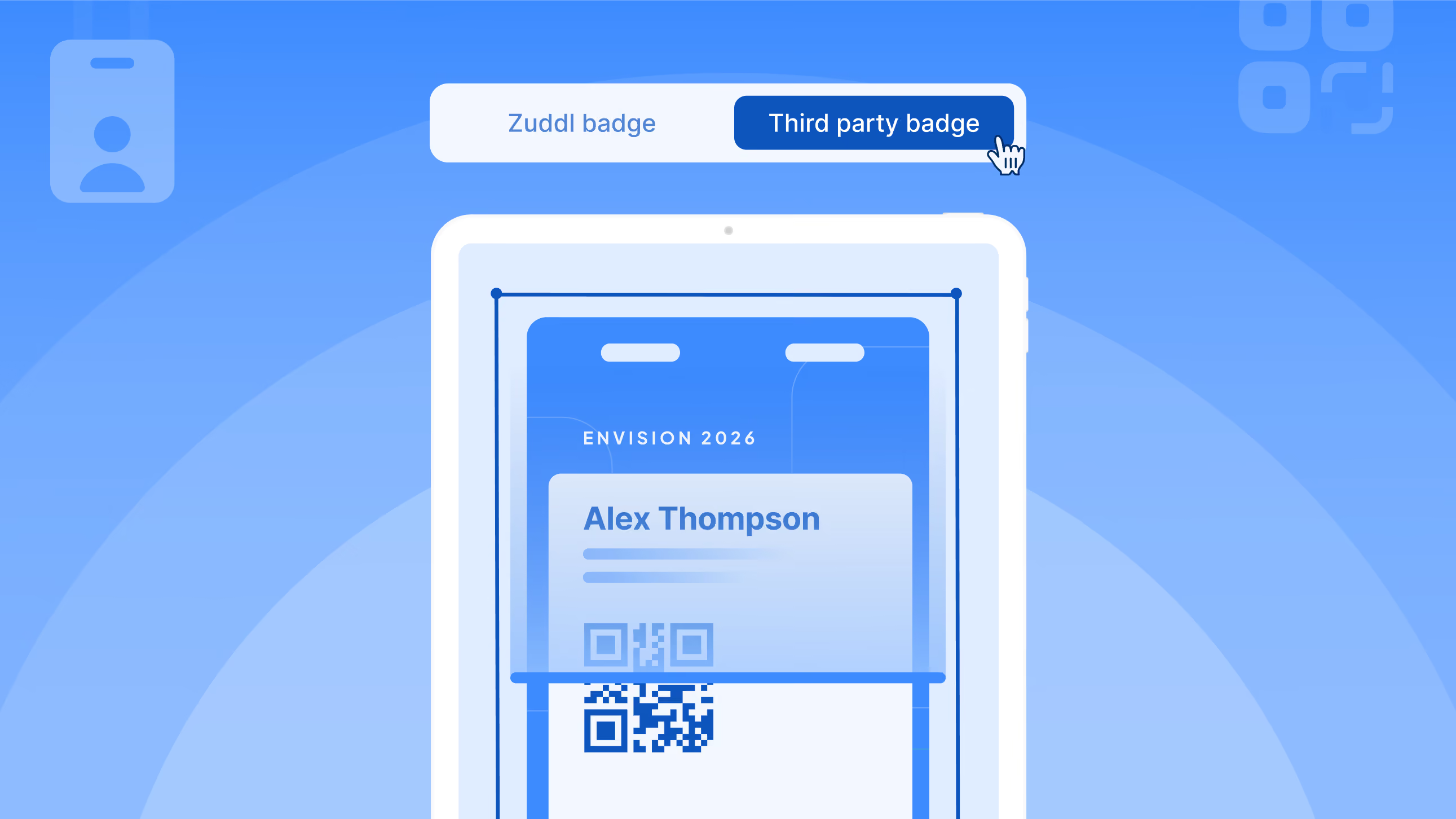
You can now create beautiful, personalized badges right from within Zuddl. With the new Badge Builder, event organizers can visually design badges and instantly sync them with the onsite mobile app for real-time printing at check-in.
Badges are also fully integrated with the rest of your event flow. Each badge includes a QR code that works seamlessly with session check-ins, sponsor booth visits, and gamification tasks—making them more than just a name tag.
All three of these releases are rooted in the same goal: Give organizers more control without adding complexity. All three features are available now and easy to start using.
Need help setting it up?
Your Zuddl team is here for you.

If you still haven’t found what you’re looking for, then please use the topics on top to browse through all content.