Zuddl Product Pulse
Every release ships a manual step out of your workflow.
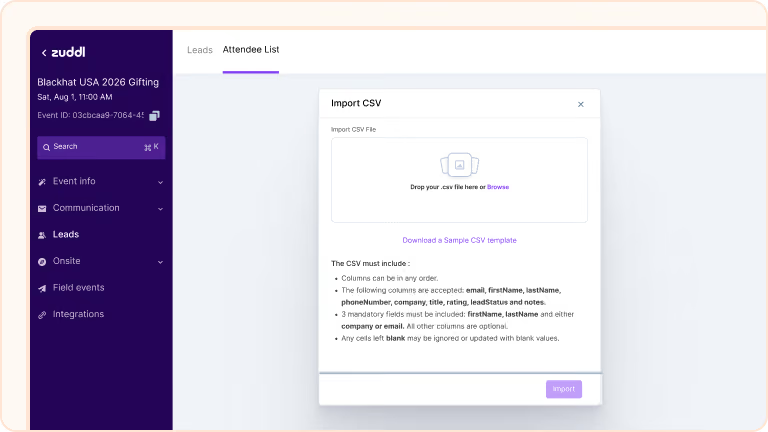

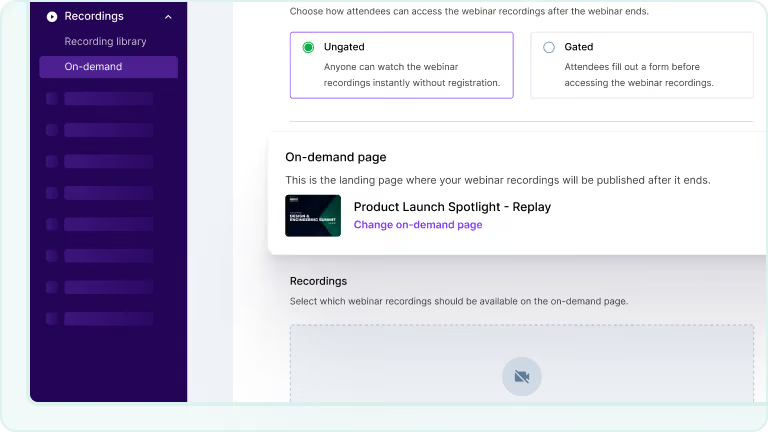
Auto-published on-demand recordings
Recordings publish to the on-demand page when they finish processing, for both live and simulive webinars. Turn off auto-publish to review first. For gated webinars, a setup section lets you reuse the existing registration page or create a new one.

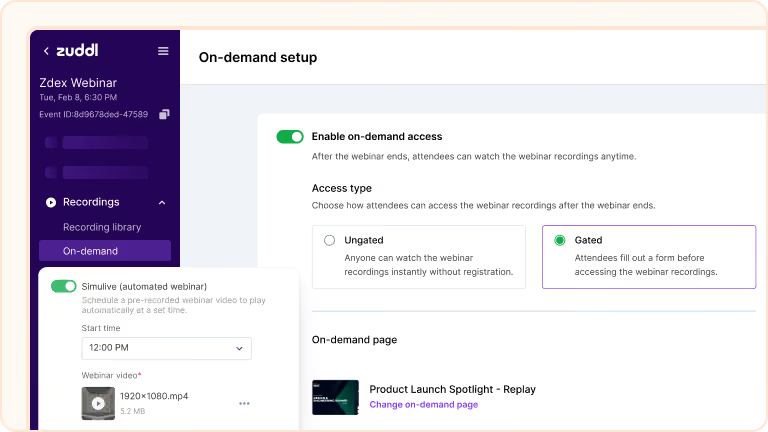
Slack notifications configured per event
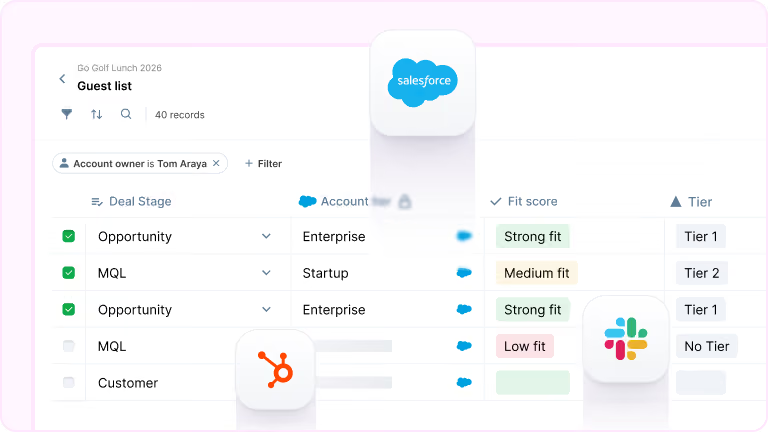
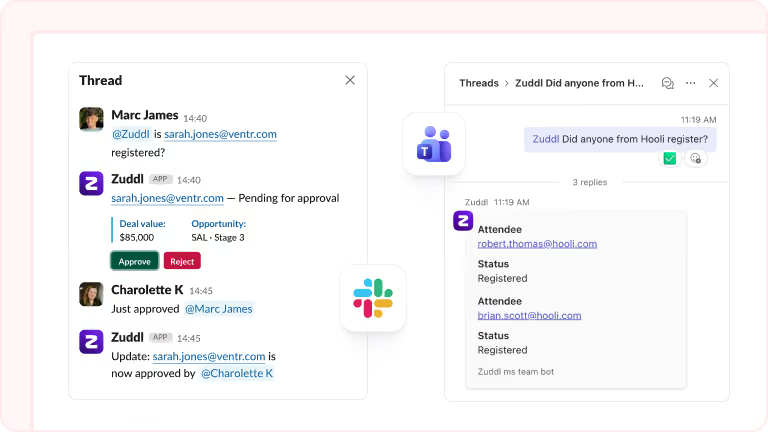
Approve or reject registrations in Slack and route event-level notifications to specific channels instead of one catch-all. Each notification includes the attendee details you choose: registration data, dietary preferences, hotel assignments, or Salesforce fields.
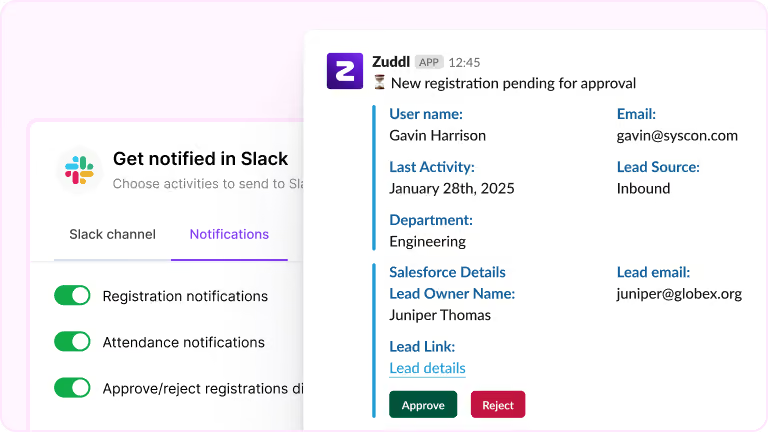
Third-party badge scanning via OCR
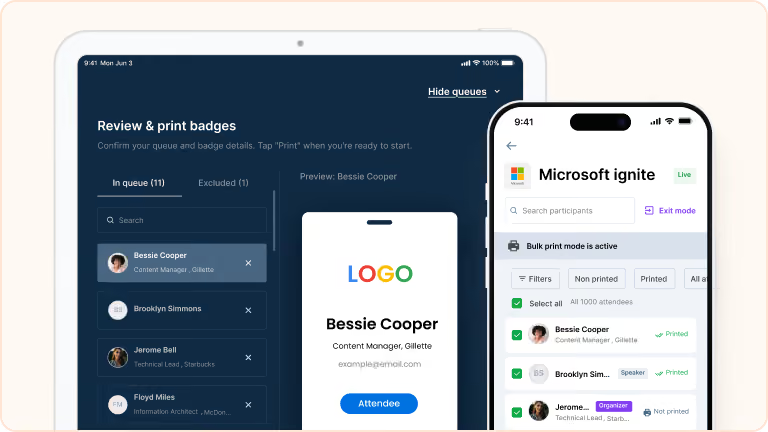
Enable the third-party badge scanner and the Zuddl onsite app reads any physical badge via OCR. Scanned details match against your registrations in real time. If the scan matches, check-in completes in one tap; otherwise, scanned data pre-fills the walk-in form.
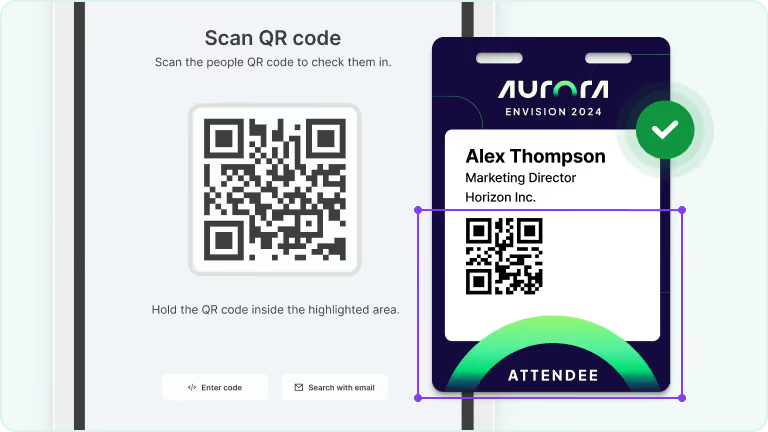
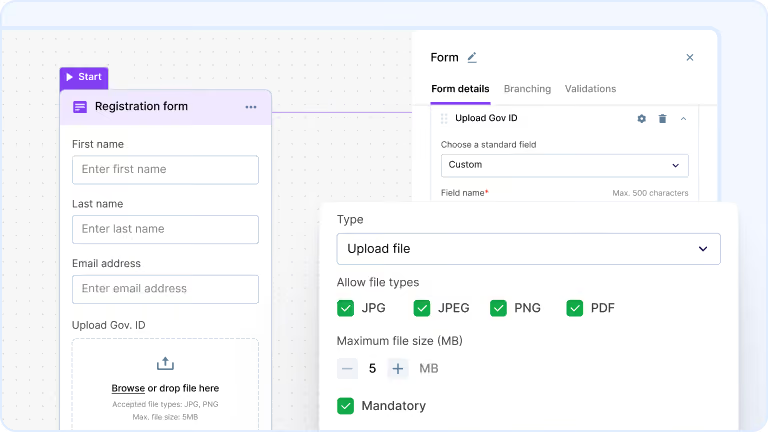
File uploads built into registration forms
Add a file upload field to any registration flow, choose allowed types (JPG, PNG, or PDF), and set a size limit up to 10 MB. Files appear in attendee records, approval queues, and pending registration tables. Approvers see the full file before making a decision.
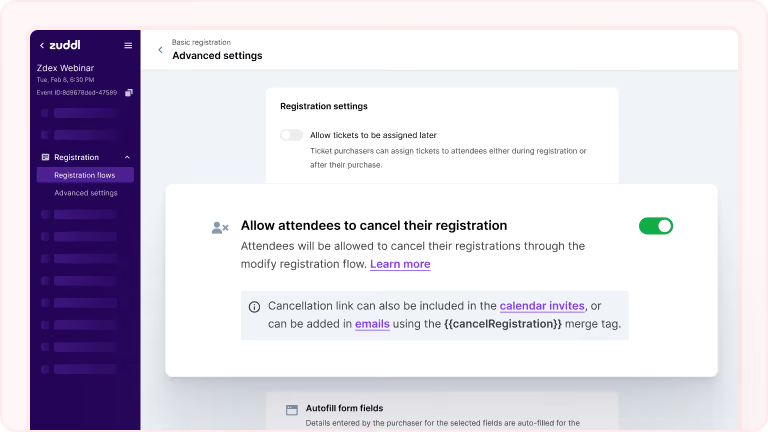
Self-service registration cancellation
Turn on self-cancellation with a single toggle. Attendees handle it from a link in their confirmation email, calendar invite, or the modify registration page. They select a reason, confirm, and access is revoked on the spot.
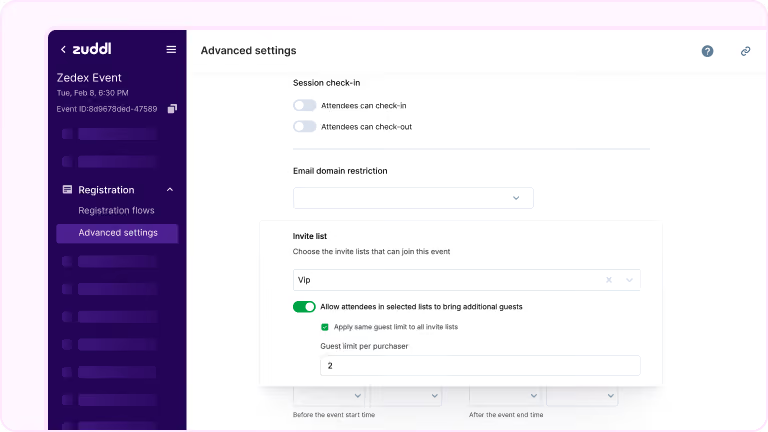
Plus-one rules configurable per invite list
Enable or disable plus-ones and extra guests per invite list, with per-list or global guest limits. During ticket purchase, invitees see ticket options based on their guest limit only. A VIP registers themselves and their +1 without seeing options that don't apply.
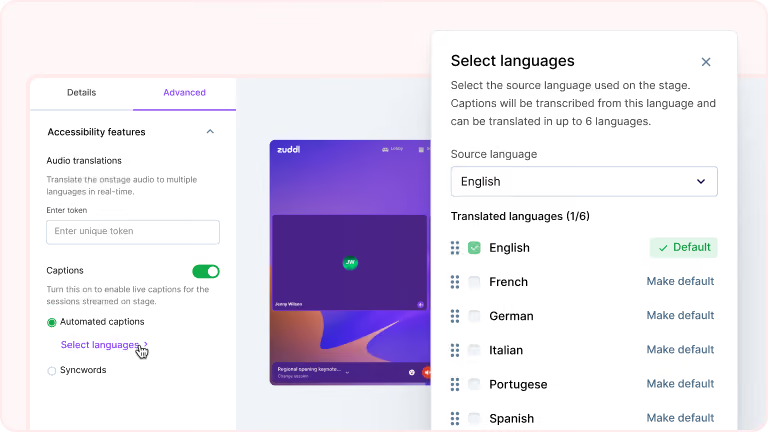
Real-time captions in seven languages
Caption support covers English, French, German, Italian, Portuguese, Spanish, and Japanese. Select your source language and up to six additional caption languages. Attendees choose their preferred language during the session.
Webinars switch to on-demand after the session
Configure the post-webinar experience in advance and activate it with a single toggle. When the webinar ends, Zuddl unpublishes the registration page and publishes the on-demand page at the same URL, recordings included.
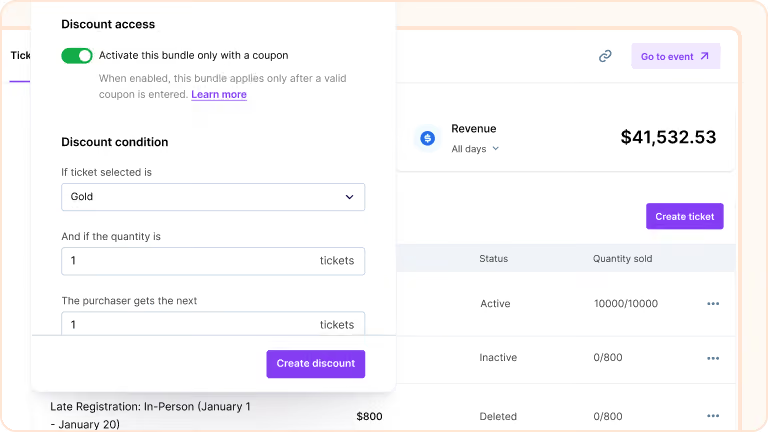
Bundle discounts gated by coupon code
Tie a bundle discount to a coupon so it activates only when the code is entered. Create a B1G1 offer on Gold tickets, link it to a coupon, cap it at 100 free tickets, and the bundle stays invisible until the right person uses the code.
Session-level calendar invites
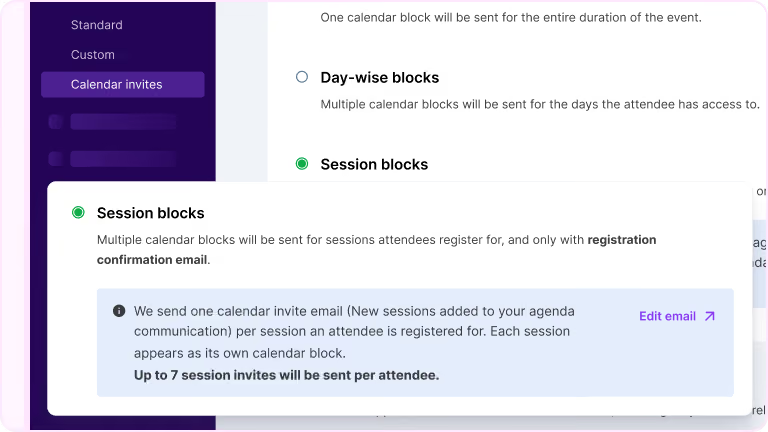
Session-level calendar invites are sent after registration confirmation and stay in sync if session details change. Organizers customize the title, description, timing, and location for each.