Zuddl Product Pulse
Every release ships a manual step out of your workflow.



Approval steps in ticketed registration flows
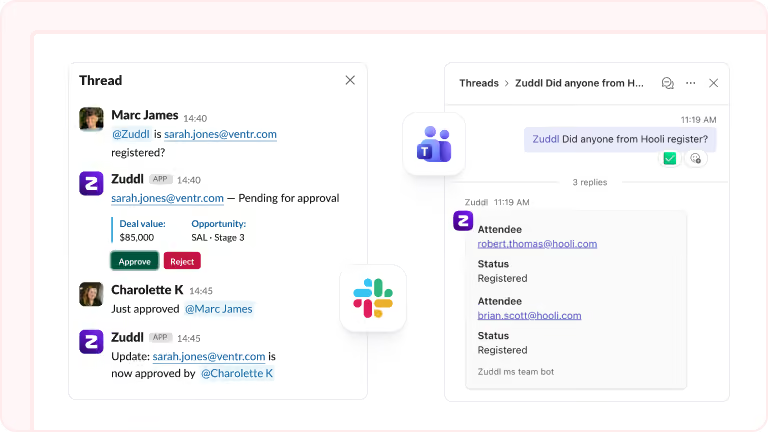
Approval steps work inside ticketed events, with criteria based on ticket type or custom fields. Approved registrants proceed to payment and confirmation, while declined registrants are filtered out.


Sponsor tasks auto-assigned by tier
Create a task and auto-assign it to future sponsors. The system checks the sponsor's tier and assigns the right tasks. Adjust per sponsor without affecting tier defaults.

In-app social feed for attendees
A social wall inside the Zuddl Events App where attendees post photos, videos, and comment on each other's content. Expo floor snapshots, session recaps, behind-the-scenes clips posted in one place.

Day-specific calendar holds
Day-wise calendar invites send blocks only for the days each attendee registered for. An attendee on Day 2 only gets a calendar hold for Day 2 only. Event-wide invites are still available when a single block is preferred.

Merge tags in email subject lines
Merge tags work in email subject lines: event name, start date, event type, hotel name, and event URL. Set a subject template once and it auto-fills when you duplicate the event.
